How to Make Money With Grok Bot: 7 Bots That Run My Business (With Prompts)
Seven one-job Grok Bots that close leads, brief meetings, find clients, watch client health and catch wasted money, each with its setup prompt.
From the videoHow I Use Grok Bot To Make Money (7 Bots That Run My Business)
The fastest way to make money with Grok Bot is to stop chatting with it and give it jobs. I run seven Grok Bots in my marketing agency, each with one job: closing inbound leads, briefing me before meetings, drafting content, collecting quotes, prospecting, watching client health and finding wasted subscriptions. Below is what each one does, what it has made or saved me, and the exact setup prompt for every one, ready to paste.
Every prompt in this write-up is free. If you want all of them at once, send your Grok Bot the link to this page and tell it which bots to build.
Why most people never make money with Grok Bot
Most people set up Grok Bot, ask it a few questions, and never get a single dollar out of it. That is a chat window, not a business tool.
The bots below are different because each one runs on its own schedule, does one job, and comes back to me with a draft or a list. I approve. It does the rest. Here is roughly what the seven brought in or saved, on my own numbers:
- Inbox Closer: about 18 booked calls last month and $10,000 in added revenue in October
- Scavenger: 10 creator rates in two days, and $5,000 saved on one marketing job
- Money Finder: $2,800 a year in subscriptions I was paying for and not using
The one rule before you build any bot
If this is your first time running an AI agent, give every bot exactly one job.
Once you understand how each one behaves and you have tuned it to your liking, start merging them into fewer bots. You do not need hundreds of bots. You need a few, or even one. But one job per bot is how you learn what each job actually needs, and it makes a bad result easy to trace.
Every prompt below is written for one bot. Create a new bot in Grok Bot (how bots work), connect the apps it mentions (connecting apps), and paste the prompt. Fill in anything in square brackets first. The schedules ("every 30 minutes", "every morning at 7am") become routines, which are covered in the routines docs.
Bot 1: The Inbox Closer (replies to anyone who wants to hire you)
Your inbox is where money goes to die. Someone wants to hire you and you reply two days later. A real partnership offer gets buried between ten scam emails.
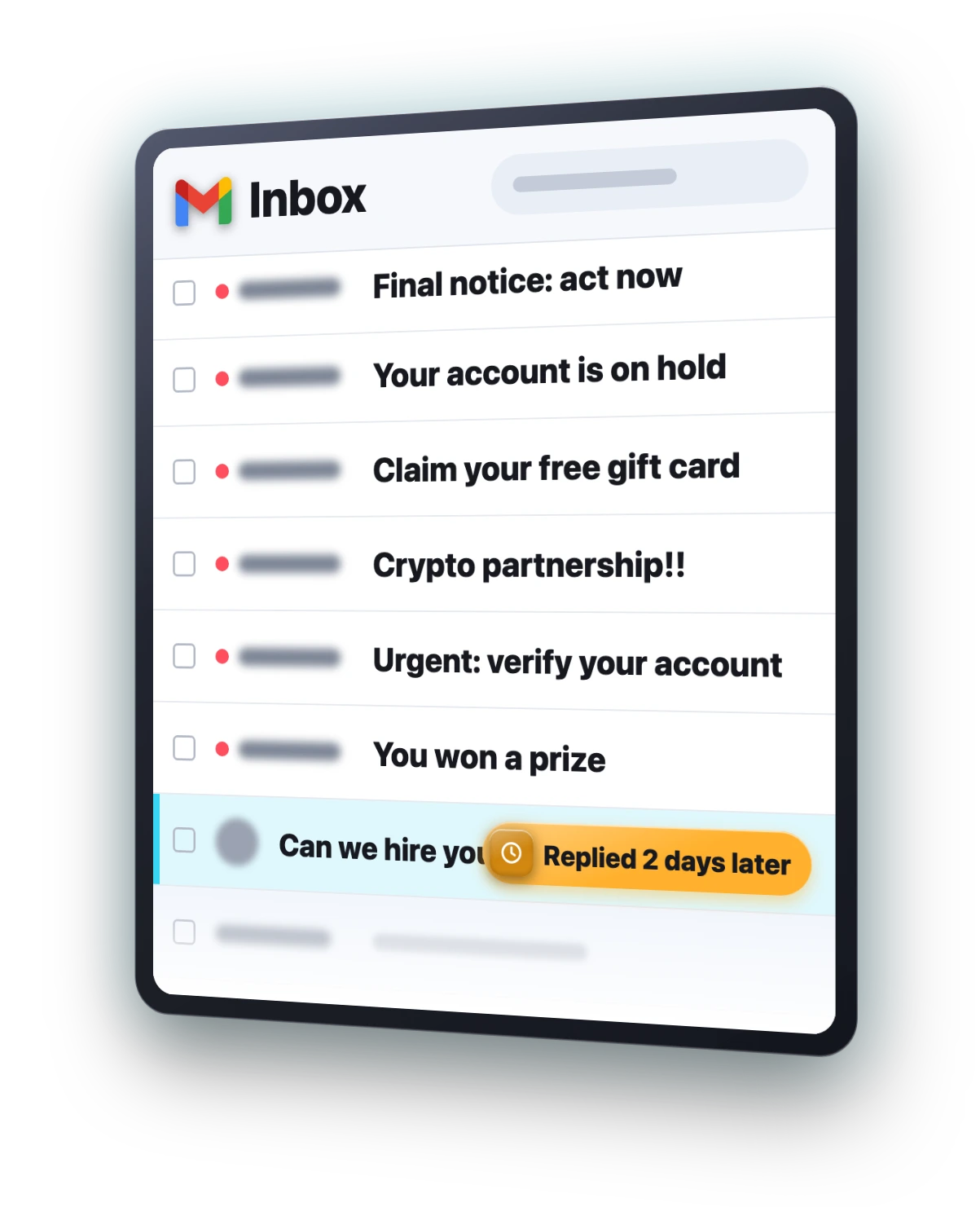
This bot checks my inbox every 30 minutes. Anyone who wants to hire us gets a reply drafted with my booking link. For every partnership or sponsorship offer, it researches who sent it, checks whether they are legit, and drafts a reply. It never sends anything on its own.
You're my inbox closer. Every 30 minutes, check my business inbox and sort new emails into 3 groups: people who want to hire us, partnership or sponsorship offers, and everything else. For anyone who wants to hire us, draft a short, friendly reply that answers their question and offers my booking link: [your booking link]. For partnership or sponsorship offers, research the sender first: their company, their website, and whether they're legit. Flag anything that looks like a scam. For the legit ones, draft a reply using the rates in this doc: [link to your rates doc]. Never send anything. Save every reply as a draft, then message me a short list: who it is, what they want, and what you recommend.This one bot booked me about 18 calls last month and added $10,000 in revenue in October.
Bot 2: The Meeting Briefer (a brief before every call, a recap after)
You jump on a call and two minutes in you realise you have forgotten what you spoke about last week. That gets awkward fast.
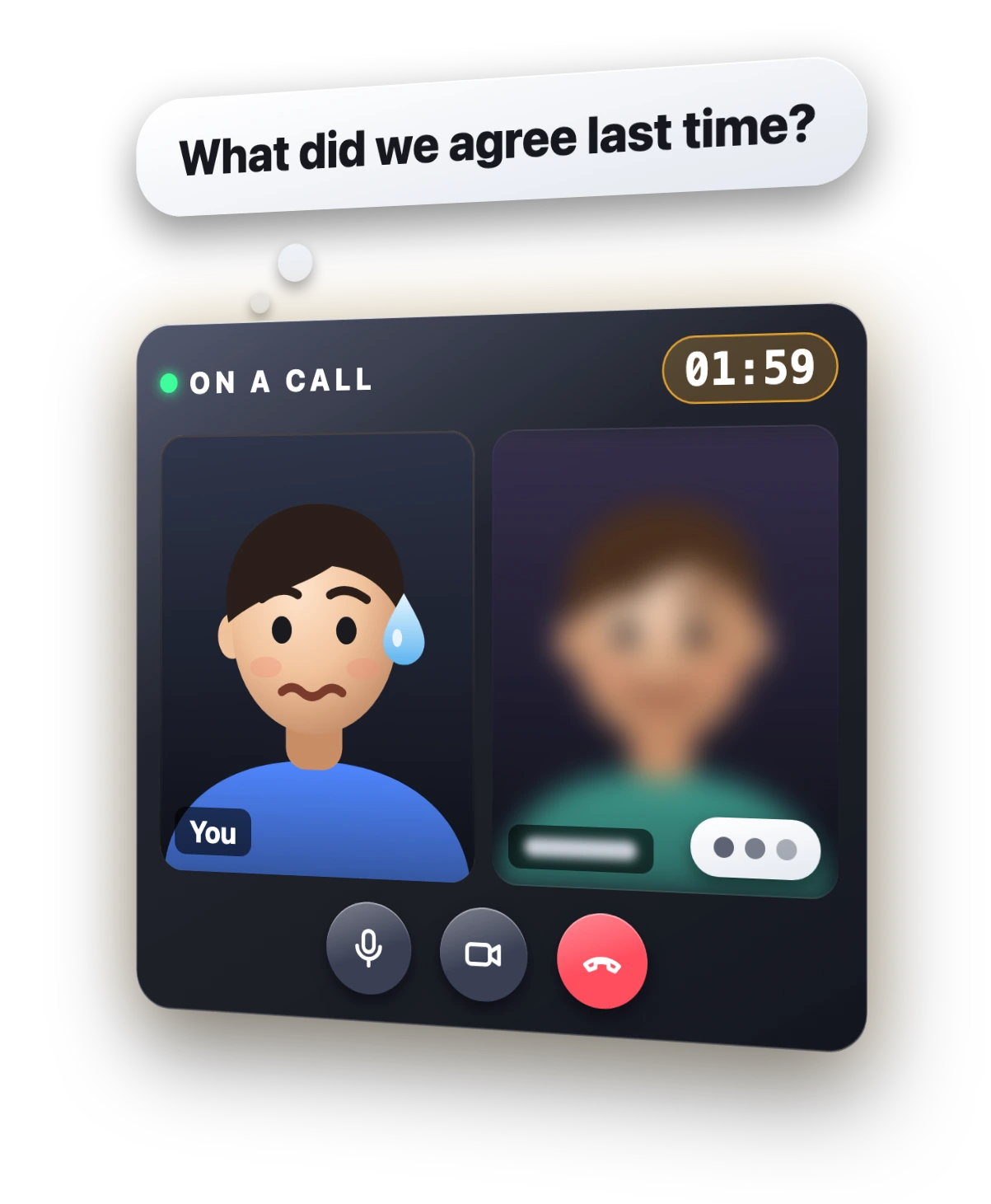
This bot is basically a VA. Every morning it sends me a brief for every meeting on my calendar: who I am meeting, what we talked about last time, what they probably want, and what not to bring up. After the call it writes the recap and the action items, and drafts a follow-up email I can send.
It is not only for sales. It briefs me on client calls, partner calls and anything else on my calendar, so you can shape it around the people you actually meet. It reads my calendar from Google Calendar and my call notes from Fireflies. Swap in whatever note taker you use.
You're my meeting assistant. Every morning at 7am, look at today's meetings in my Google Calendar. For each one, send me a short brief: who I'm meeting, their company, what we talked about last time (check my Fireflies notes and our emails), what they probably want from this meeting, and anything I should avoid bringing up. After each meeting, read the Fireflies transcript and send me a recap: decisions, action items and who owns each one, plus a drafted follow-up email. Save the follow-up as a draft. Don't send it.Bot 3: The Content Engine (Grok Bot reads X natively)
Content is the best way to market yourself and your product right now. The hard part is coming up with something to post every single day.
This is where Grok Bot has an unfair advantage over other agents: it can read X natively. Other agents need a paid X API or a long setup just to see what is trending. Grok Bot can just look.
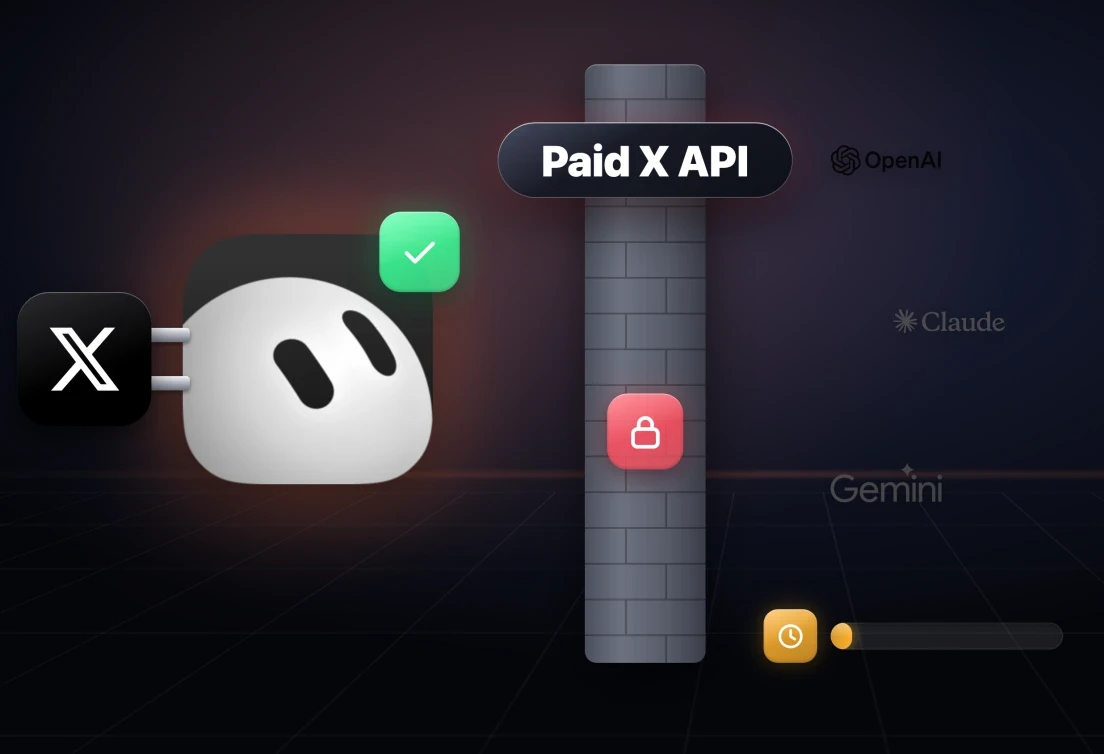
Every morning my content bot finds what is blowing up in my niche on X and drafts posts for X and LinkedIn in my voice, using my best past posts as the reference. Every Monday it also gives me YouTube video ideas based on what is working.
You're my content engine. My niche is [your niche], and my audience is [who you're talking to]. Every morning, search X for the posts in my niche that got the most engagement in the last 24 hours, and pick the 3 topics people care about most right now. For each topic, draft 1 X post and 1 LinkedIn post in my voice. Use my best past posts as your reference for how I write: [your X profile or links to your best posts]. Every Monday, also give me 3 YouTube video ideas based on what's working. Put everything in one Page I can review. Never post anything.One warning: do not let it post for you automatically. Let it find the topics and give you a first draft, then make the post yours. AI is great for efficiency. Slop posting is not a strategy.
Bot 4: The Scavenger (collects quotes and rates from its own inbox)
This one surprised me the most. Sometimes you need one answer: a price, a supplier, a rate. Getting it means emailing 20 or more people and chasing them for a week.
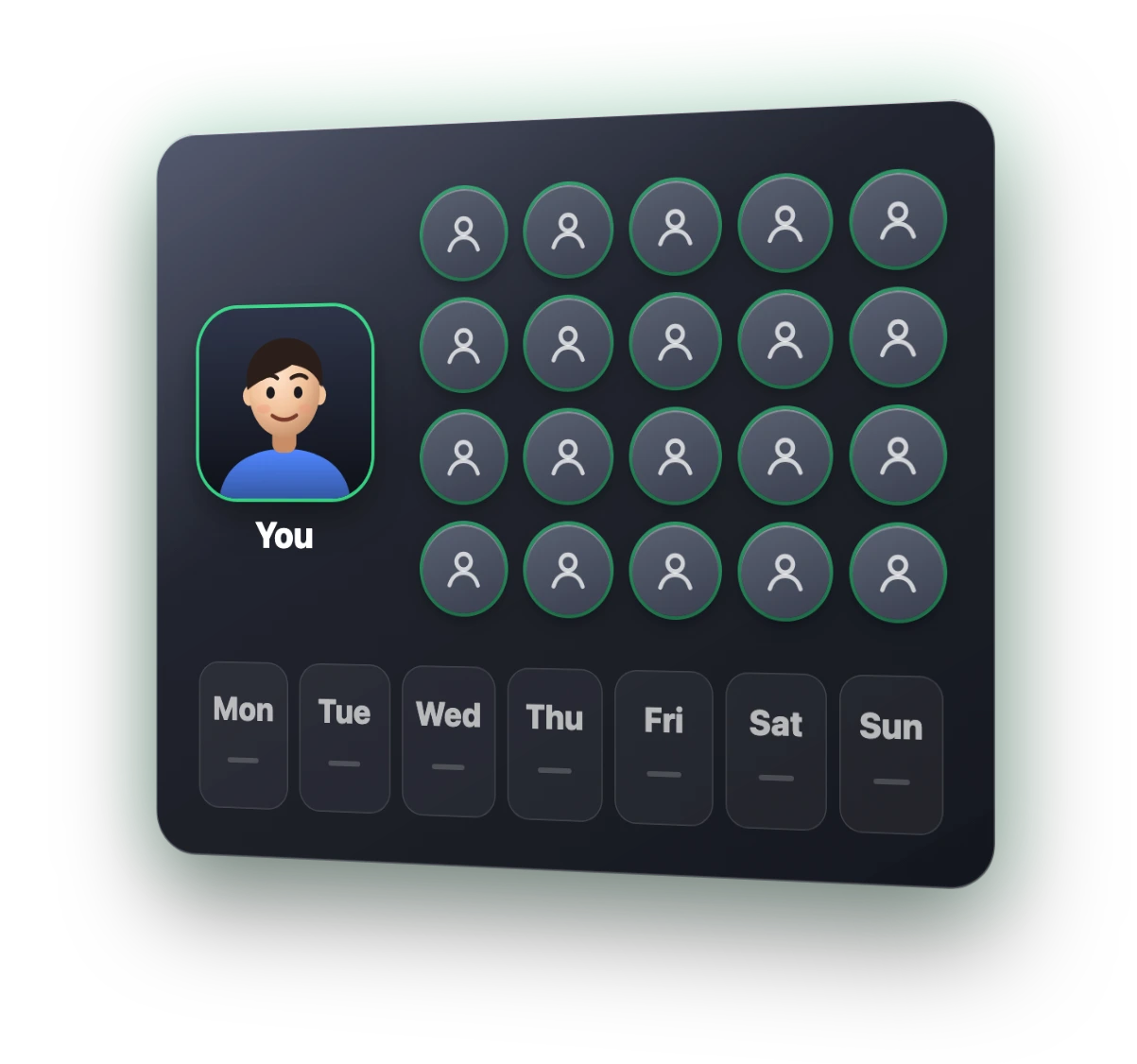
Grok Bot can have its own email address that it controls. So I built a bot that has those conversations for me. You tell it the one thing you need. It finds the right people, emails them from its own inbox, follows up if they go quiet, and comes back with the answers.
I needed to know what YouTube creators in my niche charge for a sponsored video. I got 10 rates in two days, and it found the best deal, which saved me $5,000 on marketing costs. You can use it for anything: quotes from contractors, a supplier, a freelancer.
You're my scavenger. I need: [the one thing you need]. Example: rates from 20 YouTube creators in the AI and tech niche with 20K to 200K subscribers, for one sponsored video. Find the right people, find their public business contact (the email on their channel's About page or their website), and email each one from your own inbox asking for their rate for one 60 to 90 second integration. Follow up once if they haven't replied in 3 days. Log every person, their contact, their answer and their rate in a spreadsheet. Message me once you have at least 10 answers, with the cheapest, the average, and your top 3 picks.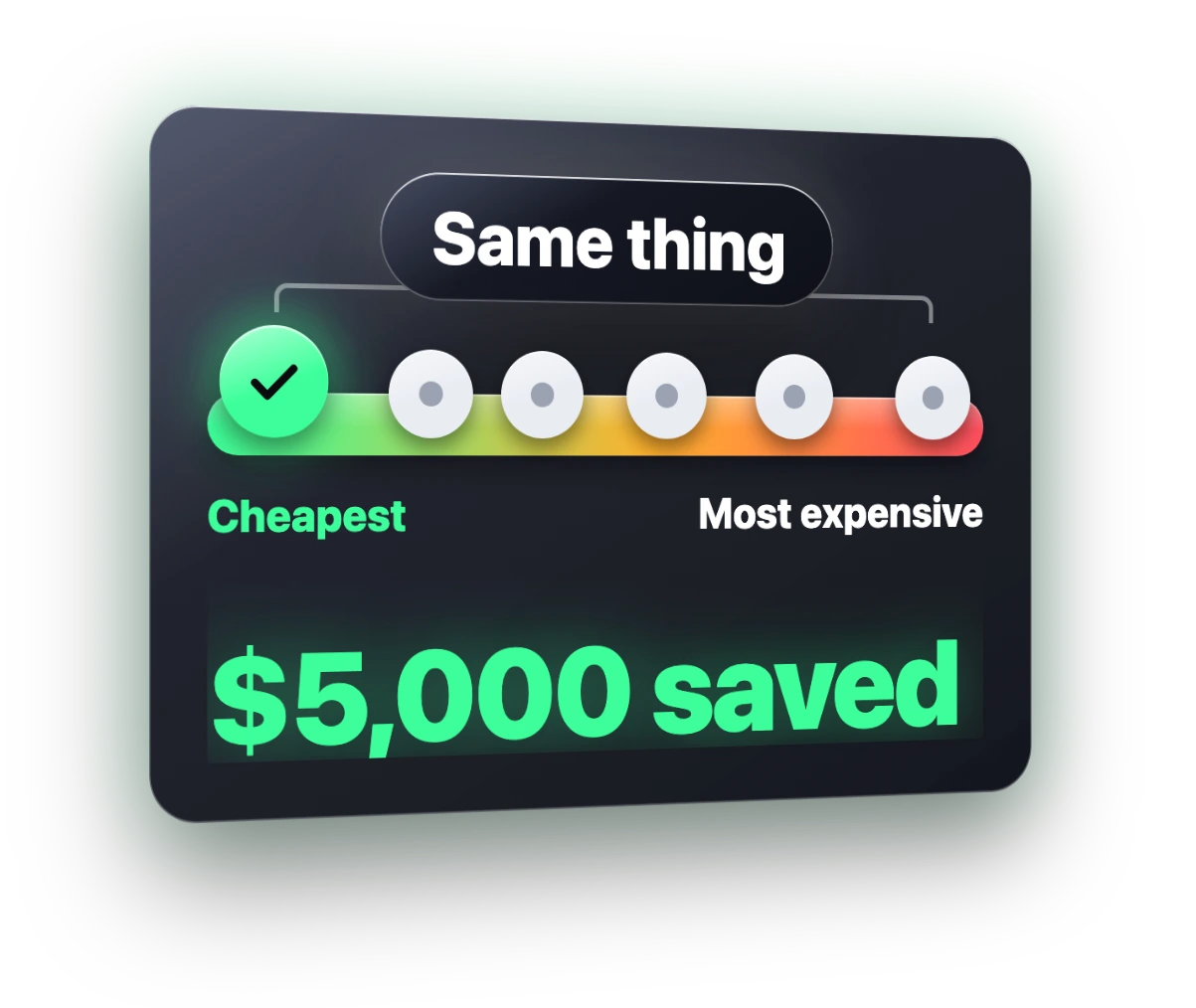
Bot 5: The Lead Machine (runs your whole sales funnel)
Finding new clients is the part everyone hates. Hours of research, then writing every email, then remembering who to follow up with and when, then chasing the ones who still have not paid.
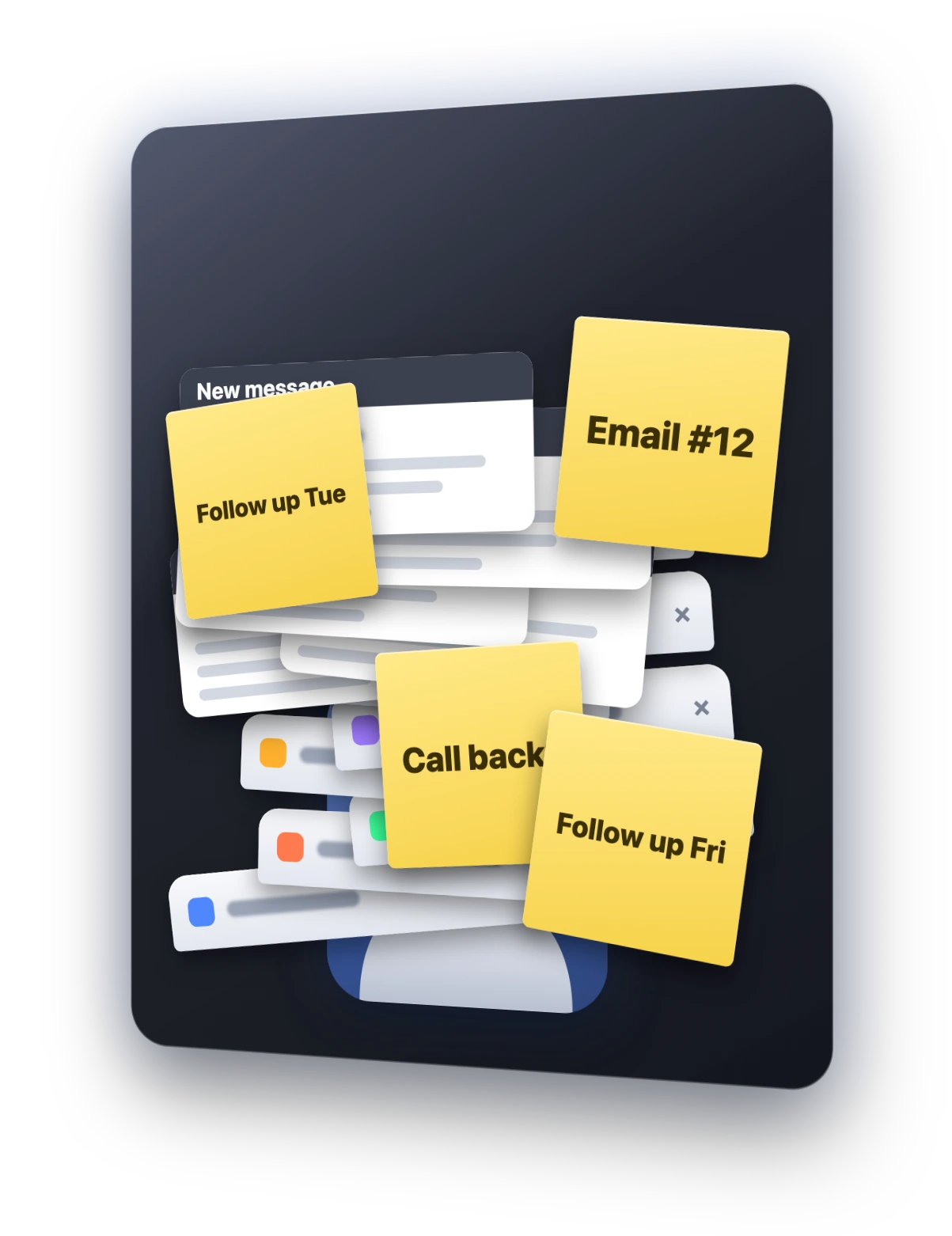
Every morning this bot finds five businesses that clearly need us and drafts a first email for each, based on what it actually found. It adds them to our CRM, drafts follow-ups for anyone who went quiet, and chases unpaid invoices.
You're my lead machine, and you run my sales funnel. Every weekday morning: 1. Find 5 businesses in [your niche and area] that clearly need [your service]. For example: [the signal, like running ads with a weak website]. Check each one is real, note what you found, and find a public contact. 2. Draft a short first email for each one that mentions the specific thing you found, and save it in my Gmail drafts. 3. Add every lead to my CRM [your CRM] and keep their stage up to date. 4. Draft a follow-up for anyone who hasn't replied in 4 days. 5. Check [your invoicing tool] for unpaid or overdue invoices, and draft a polite reminder for each one. Never send anything without my approval. End with a short summary of today's numbers.Start at five leads a day, not a hundred. If it gets something wrong, I would rather fix five emails than 100. This is one of my newer bots and I am still tuning its pitch. Turn the number up once the drafts are good enough.
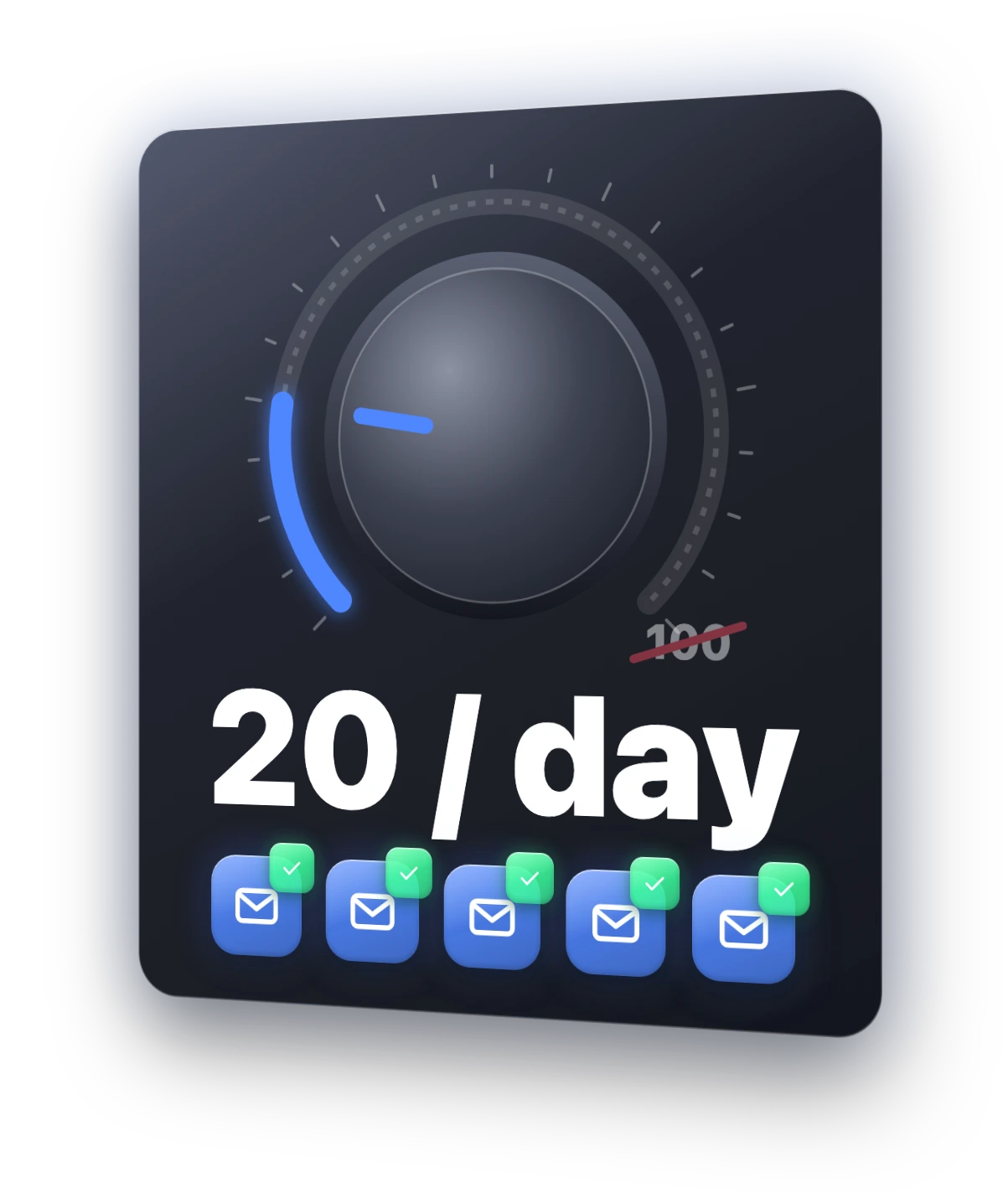
It does not matter where your CRM lives. My bot built its own, so every agent on my team can see it. A Google Sheet, HubSpot or Notion works just as well.
Bot 6: The Client Success Manager (watches every client chat)
This is the bot I use the most. With a lot of clients, things slip: a client nobody has messaged in a week, a deliverable that is late, someone who has gone quiet. You usually find out when they cancel, which is too late.
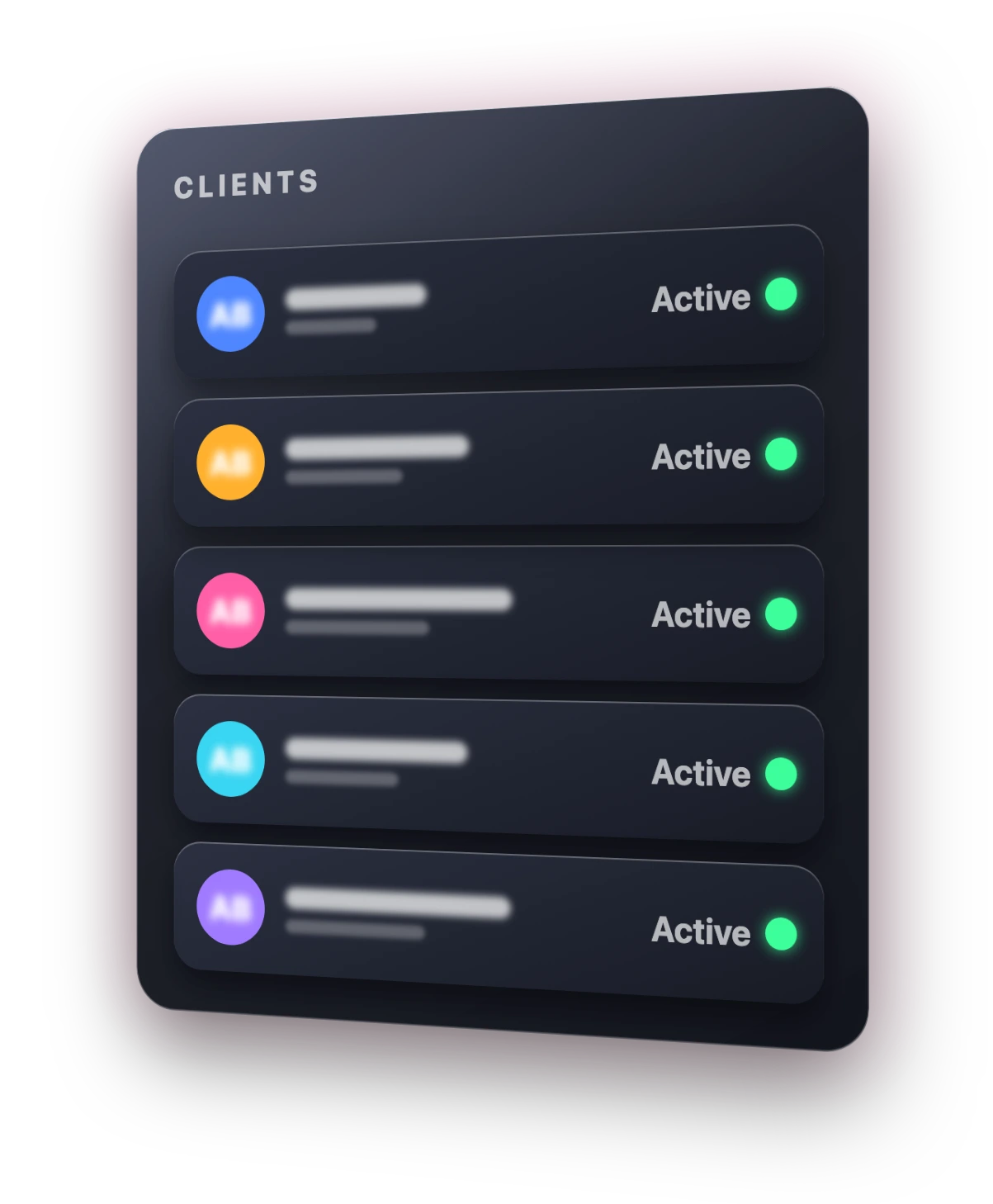
Most of my clients' chats are on Telegram. So I made a Telegram bot, added it to every client group chat, and connected it to Grok Bot, so it can see every conversation we have. Setting that up is easier than it sounds, because you can ask Grok Bot to walk you through it:
Help me set up a Telegram bot with BotFather that can read every message in my client group chats, turn off its privacy mode so it sees all messages, and connect it to you so you can read the chat history. Walk me through it one step at a time.The Telegram catch: by default, a bot in a group only sees messages where it is tagged. In BotFather, turn off privacy mode, or it will miss almost everything. Telegram explains this under privacy mode. If your clients are on email or Slack, it is even easier: connect those in Grok Bot instead.
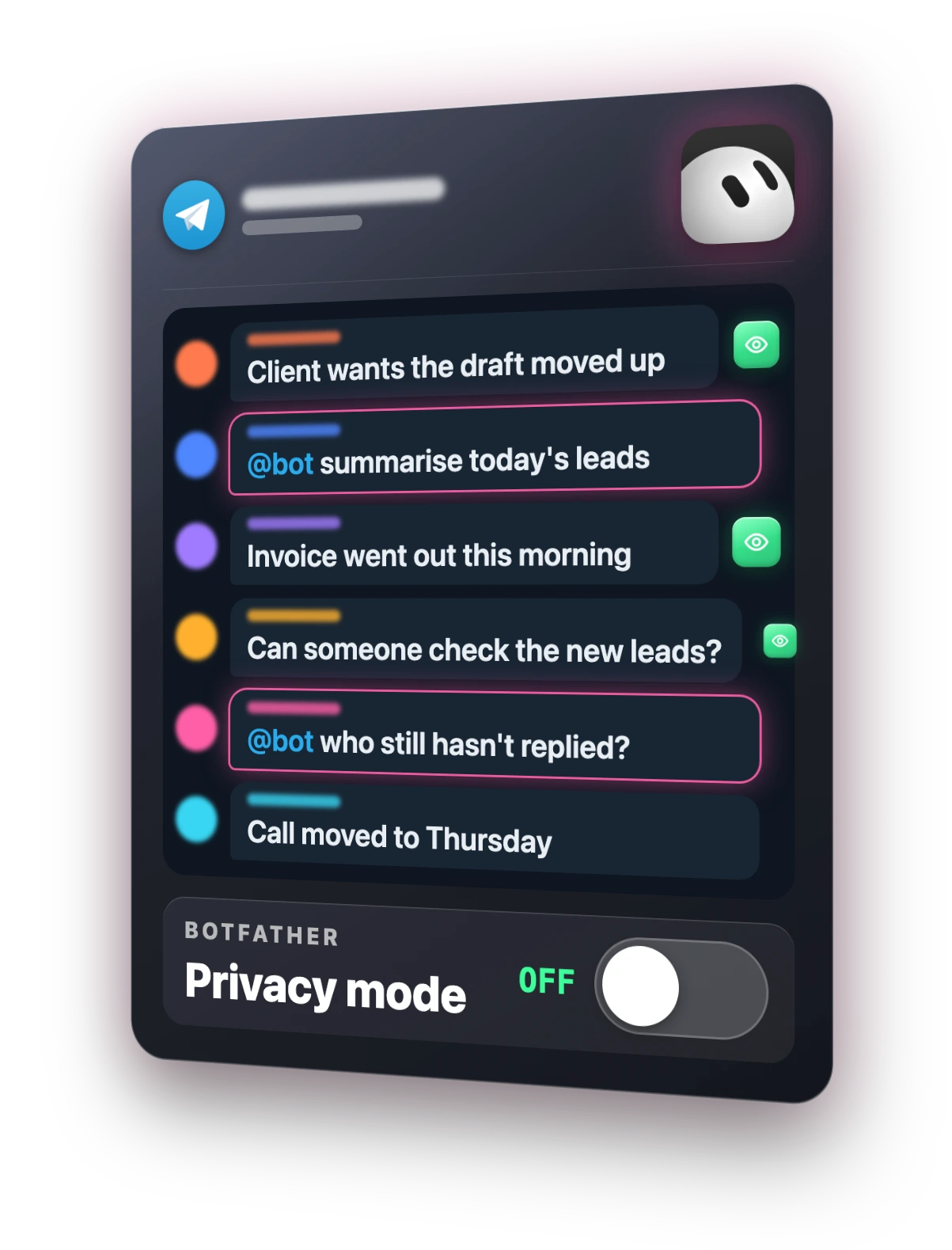
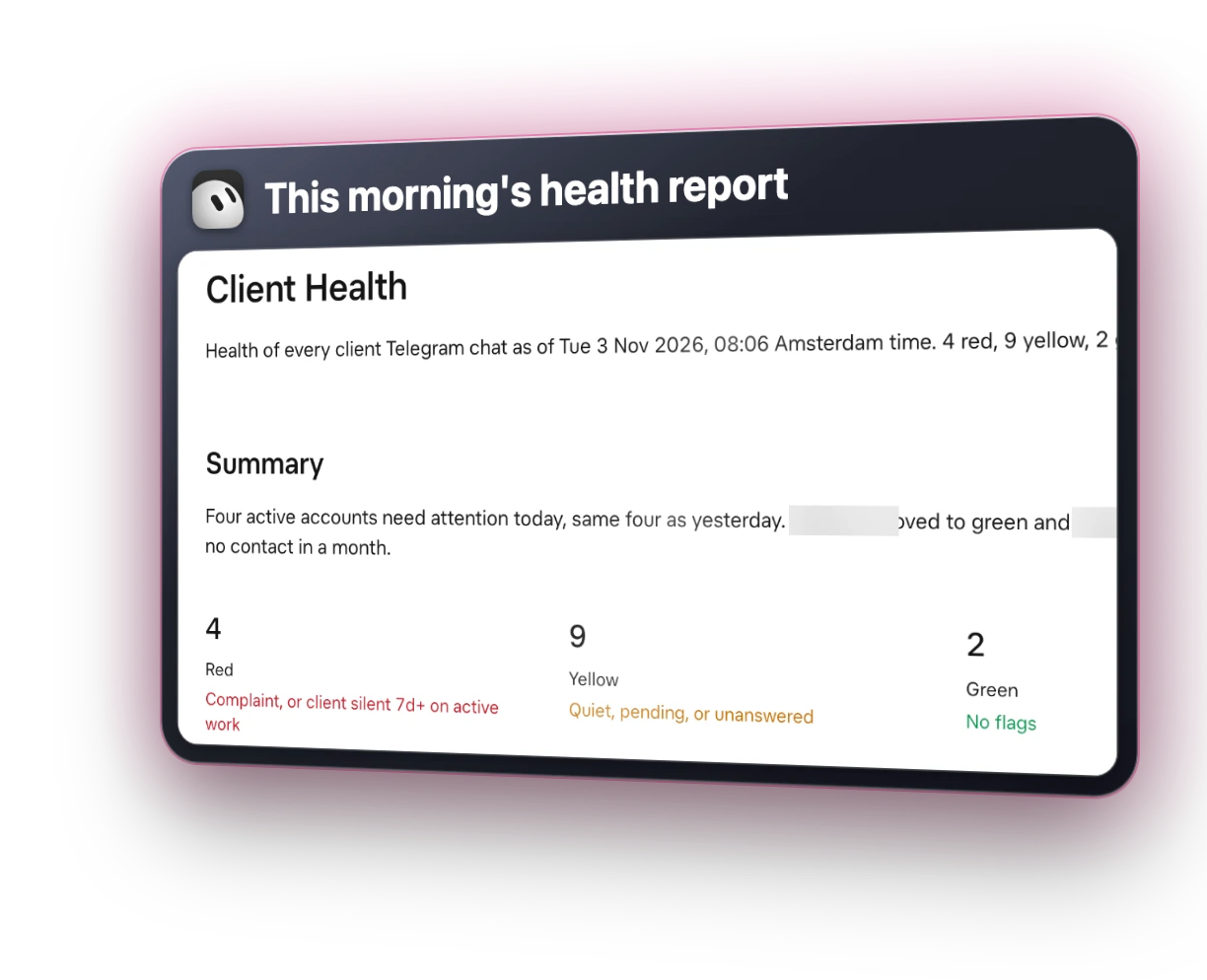
Then give it the job. When a new client signs, it drafts their onboarding message with the kickoff call link. Every morning it flags anyone we have not messaged in two days, anyone who has gone quiet, negative sentiment, late payments and late deliverables. When a client is happy, it pings that client's account manager in Slack to ask for a referral.
You're my client success manager. You can read all our client chats through [Telegram bot / Slack / my email]. When a new client signs, draft their onboarding message with everything they need to get started and our kickoff call booking link: [link]. Every morning, check every client chat and flag: any client who hasn't heard from us in 2 days, any client we haven't heard from in 7 days, negative words or frustration, late payments, and deliverables that are due or overdue. When a client says they're happy or a project wraps up, message the client's account manager in Slack to ask them for a referral. Send me one health report every morning: green, yellow and red clients, with the reason for every yellow and red.I have it rate harshly on purpose. I would rather be safe than sorry than have it be overly optimistic. People forget things. This bot makes sure nobody slips through the cracks.
Bot 7: The Money Finder (finds subscriptions you forgot about)
This is the one I promised at the start of the video. Everyone is paying for tools they forgot about: a free trial that turned into a subscription, software you have not opened in years, a double charge you never noticed.
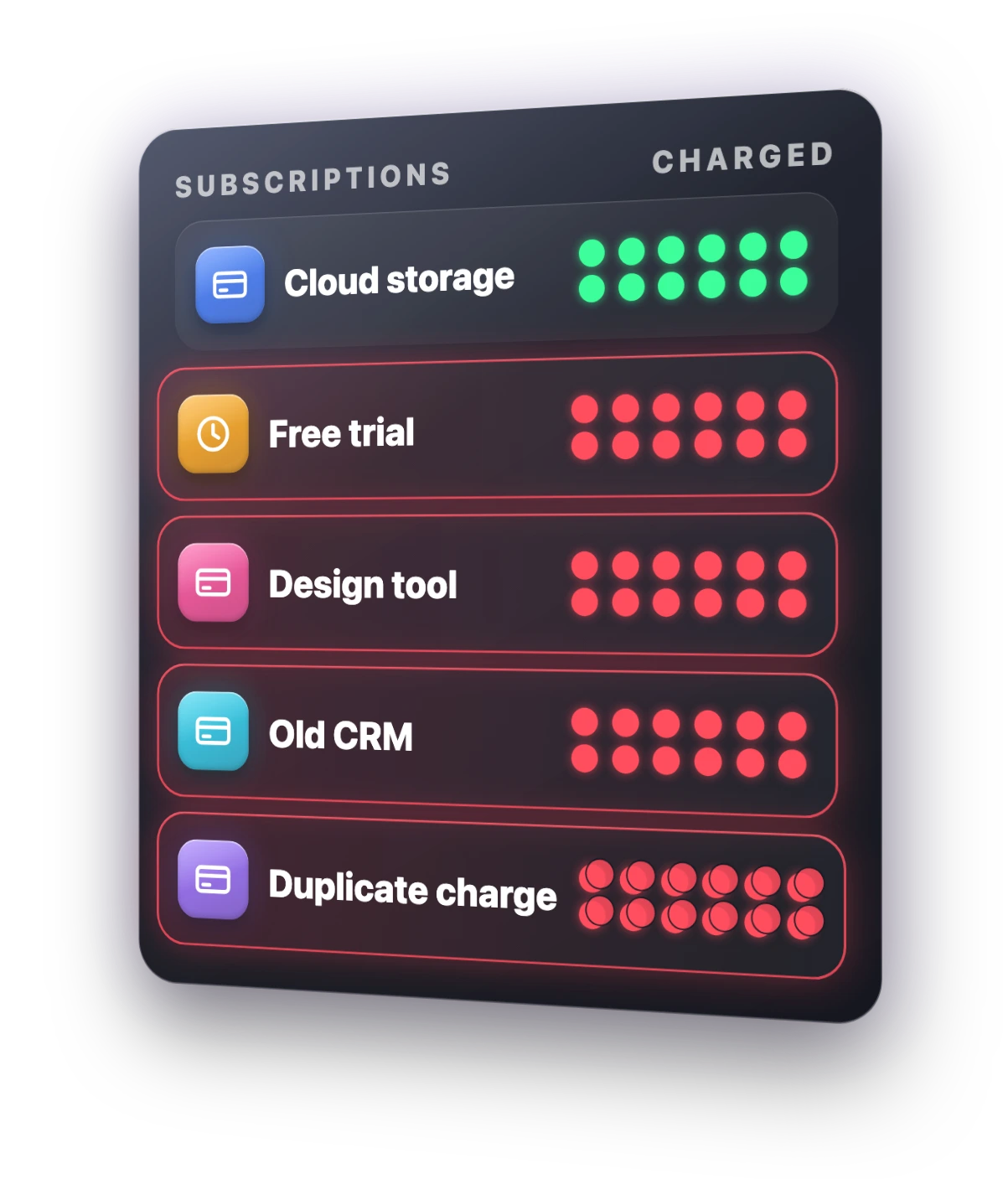
This bot goes through a whole year of receipts and billing emails and gives you a list of what to cancel and anything you could get a refund on. It is one prompt, and it does not touch anything unless you ask it to.
Go through every receipt and billing email in my inbox from the last 12 months. List every subscription with its monthly cost and when it was last used, if you can tell. Flag anything that looks forgotten, duplicated or overcharged, and anything that might qualify for a refund. Don't cancel anything or contact anyone. Just give me the list, biggest savings first, and the total I could save per month.I ran it on my own inbox and saved $2,800 a year. Everyone should run this one at least once, because it can pay for Grok Bot in one go.
Bonus: The Chief of Staff (one bot on top of the rest)
Once you build even three of these, you need one more. You do not want seven different chats pinging you all day.
So put one bot on top. I call it the chief of staff, and every other bot reports to it. Every morning I get one message: new leads, deals waiting on me, today's meetings, client warnings, content to review and any money it found. When I need something done, I tell it, and it hands the job to the right bot.
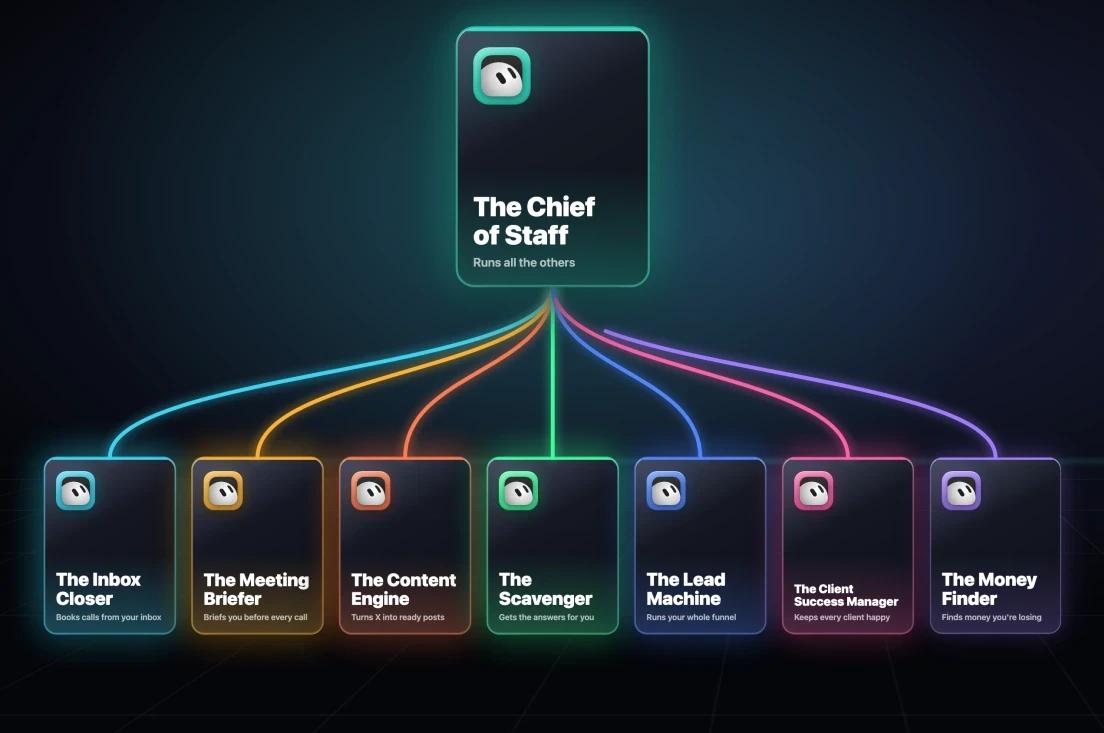
You're my chief of staff. All my other bots report to you, and you're the only one I talk to every day. Every morning at 8am, send me one short message: new leads and replies, deals waiting on me, today's meetings, client health warnings, content drafts ready to review, and any money found. Then list everything that needs my approval, most important first. When I ask for something, work out which bot should do it and hand it over.Which Grok Bot to build first
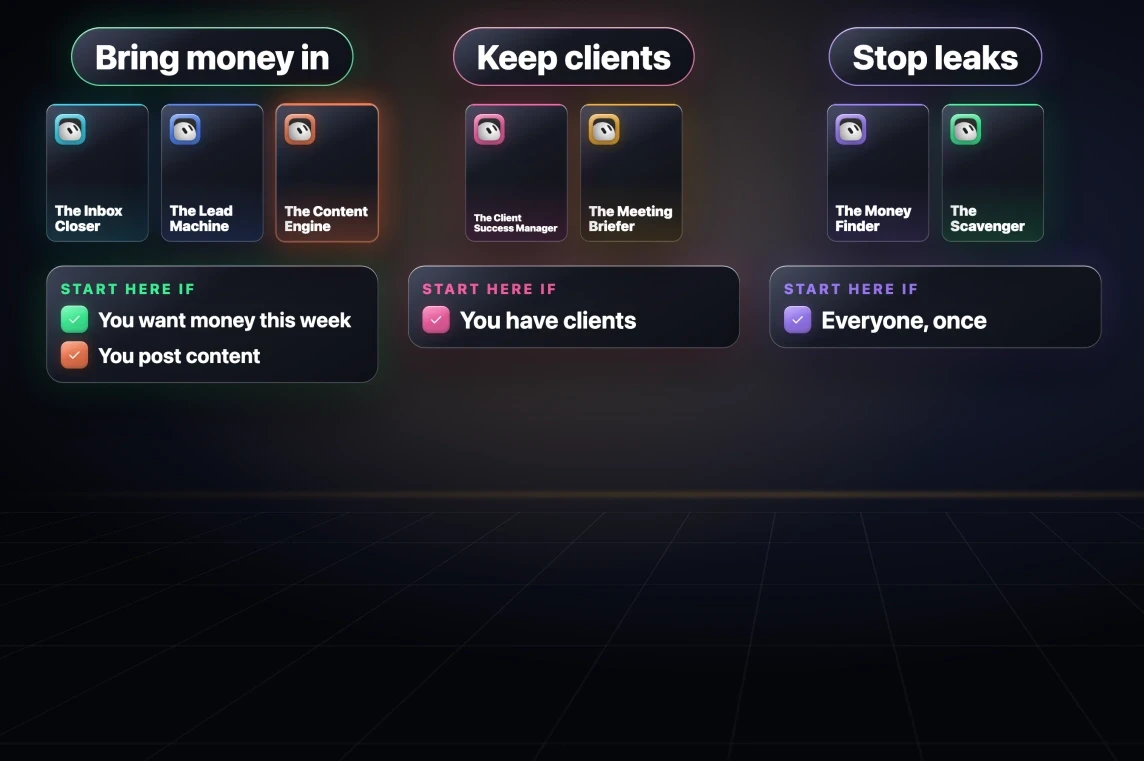
- You want money coming in this week: start with the Inbox Closer and the Lead Machine.
- You have clients: add the Client Success Manager.
- You post content: add the Content Engine.
- Everyone: run the Money Finder at least once.
Then add the Chief of Staff once you have three or more bots running.
All eight setup prompts
Every prompt above, in the order to paste them. Fill in the square brackets before you send each one, and give each its own bot.
- Inbox Closer: drafts replies to people who want to hire you, and vets partnership offers.
- Meeting Briefer: a brief before every meeting, a recap and follow-up draft after.
- Content Engine: trending topics from X, drafted as X and LinkedIn posts in your voice.
- Scavenger: emails people from its own inbox and comes back with quotes.
- Lead Machine: five qualified leads a day, first emails, CRM, follow-ups and invoice reminders.
- Client Success Manager: the Telegram setup prompt first, then the daily health report.
- Money Finder: one pass over a year of receipts.
- Chief of Staff: one morning message from all your bots.
Every bot in the video is also free as a one-click Grok Bot template from the first link in the video description, at sharbel.com.
Tell me in the comments on the video: which bot are you building first?
Further reading
- Grok Bot docs
- Grok Bot docs: Bots, creating and managing bots
- Grok Bot docs: Computer and apps, connecting Gmail, Calendar, Slack and more
- Grok Bot docs: Skills, routines and automations, running a bot on a schedule
- Grok Bot docs: FAQ
- BotFather and Telegram's privacy mode docs
- Fireflies, the meeting notes the Meeting Briefer reads
- HubSpot CRM, Notion or Google Sheets for the Lead Machine's CRM
Questions
- Can Grok Bot make you money?
- Yes, if you give it jobs instead of questions. Bots that run on a schedule and do one job each, like drafting replies to people who want to hire you or finding forgotten subscriptions, turn it into a business tool. My inbox bot added $10,000 in revenue in one month.
- Which Grok Bot should I build first?
- If you want money coming in this week, start with the Inbox Closer and the Lead Machine. Add the Client Success Manager if you have clients and the Content Engine if you post content. Everyone should run the Money Finder at least once.
- Should one Grok Bot do everything?
- Not at first. Give every bot one job while you learn how each behaves, then merge them into fewer bots once they are tuned. When you have three or more, add a chief of staff bot that the others report to.
- Can Grok Bot read my Telegram group chats?
- Yes, through a Telegram bot you create with BotFather and connect to Grok Bot. Turn off the bot's privacy mode in BotFather, because by default a bot in a group only sees messages where it is tagged.
- Will these bots send emails without asking me?
- Not with these prompts. Every one saves its replies as drafts or sends you a list, and the Money Finder is told not to cancel anything or contact anyone.

You made it to the end
That is the whole build. Want the next one?
Read next

Grok Bot Usage Running Out? 7 Prompts to Make Your Weekly Limit Last
What happened to Grok Bot usage this week, why it drains so fast, and seven copy-paste prompts that stretch it to the end of the week.

Grok Bot Review: Is the $20 Plan Worth It?
Two weeks with Grok Bot at its new $20 price, including the usage costs, the shared-machine security model and the account risk the demos leave out.

How to Make Hermes Agent More Reliable (Without Adding More Tools)
More tools made my agent worse. Fixing the trust line is what let it run without me.