Grok Bot Usage Running Out? 7 Prompts to Make Your Weekly Limit Last
What happened to Grok Bot usage this week, why it drains so fast, and seven copy-paste prompts that stretch it to the end of the week.
From the videoGrok Bot Usage Running Out? Here's How To Make It Last
If your Grok Bot weekly usage is running out days before it resets, the biggest drains are almost always routines that run too often, chats that have grown very long, and lots of small messages. Below are the seven changes that save the most, each one a single prompt you paste into your bot, plus one bot that watches your usage for you.
What happened to Grok Bot usage this week
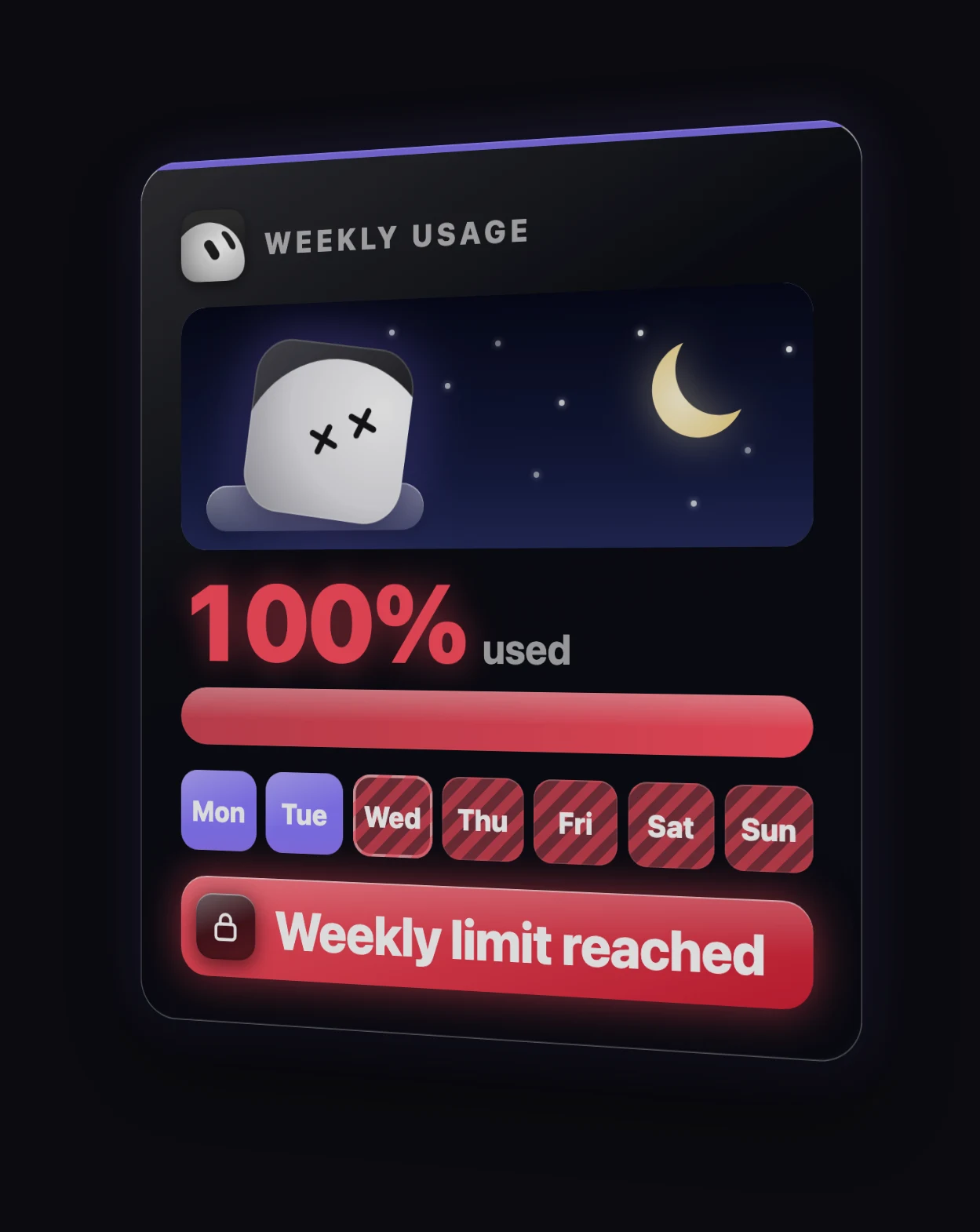
Over the weekend of 1 November, a lot of paying users saw their weekly usage jump to 100% far faster than normal. Some said it climbed while their bots weren't doing anything at all.
When one user asked Elon Musk for a reset, he replied that the cost of serving Grok Bot was too high:
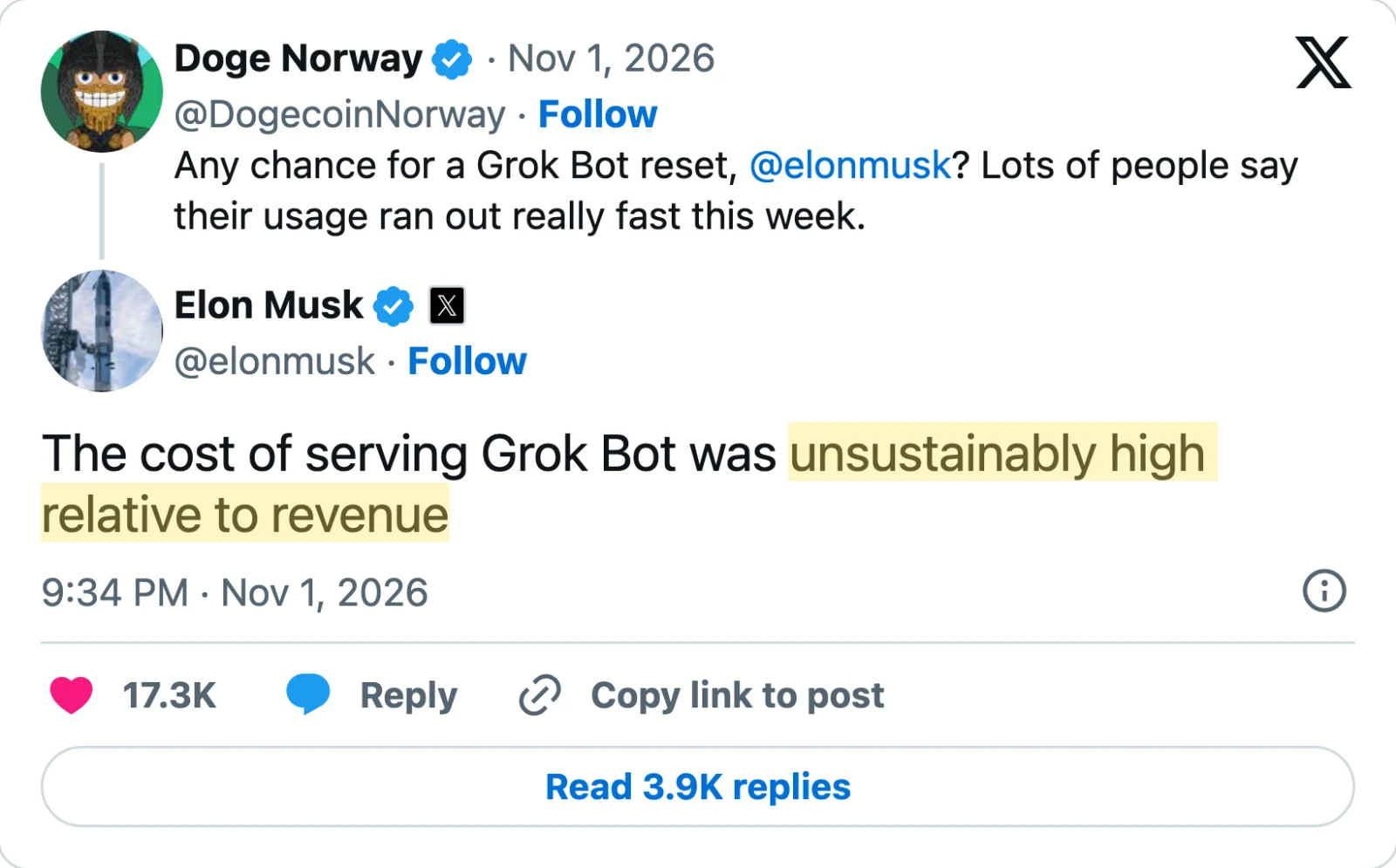
Here is what is and isn't confirmed:
- Not confirmed: whether the limits were actually lowered. xAI hasn't said so officially.
- Possibly a bug: the status page showed a problem with the usage dashboard that same morning, so some of the spike may not have been real usage.
- Clear either way: running these bots is expensive, and usage isn't getting cheaper. So the move is to get more out of every bit you have.
My own meter was climbing faster than usual too, so I went through all of my bots to see where it was going.

Why Grok Bot usage runs out so fast
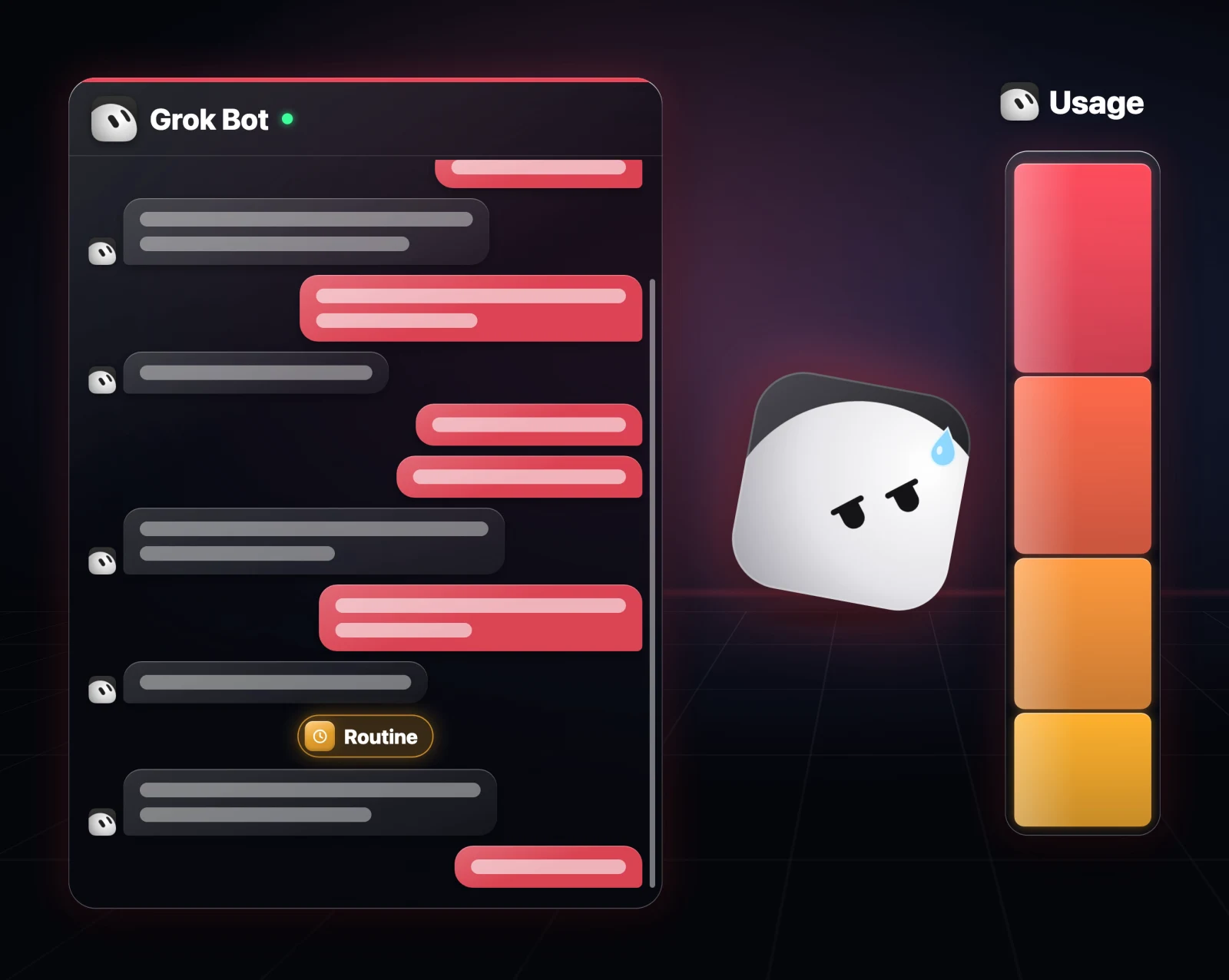
There is one idea behind most of these fixes. The longer a chat gets, the more your bot has to process every time you message it, or every time a routine wakes it up. So a long chat makes every single message cost more.
Once that clicks, the seven changes below make sense.
1. See where your usage is going
Most people have no idea which of their bots is eating their usage. You can check your total on your usage dashboard, but it won't tell you which bot or routine is responsible. The easier way is to ask your bot.
This prompt looks at all your bots and routines, shows you which ones are probably using the most and why, and lists the five changes that would save the most. It doesn't change anything yet.
Look at my Grok Bot usage for this week. Show me which bots and which routines are probably using the most, based on how often they run and how long their chats are, biggest first, and for each one tell me why it used so much. Then give me the 5 changes that would save the most usage. Don't change anything yet.Here's what came back when I ran it on my own bots. The one using the most was my Monitor bot, at 25% of my usage, which honestly surprised me.
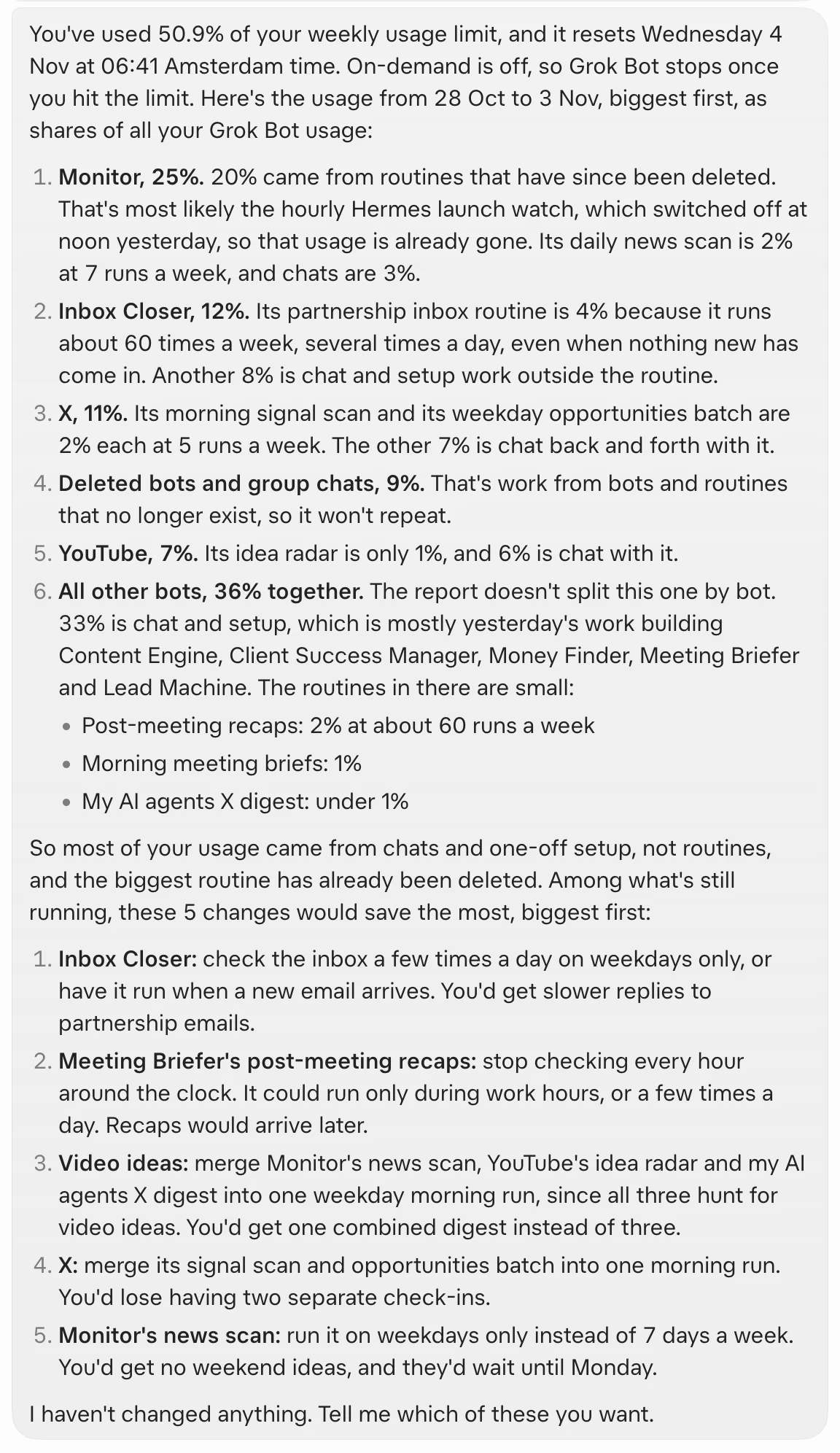
For most people, the top item on that list will be the same thing: routines.
2. Slow down your routines
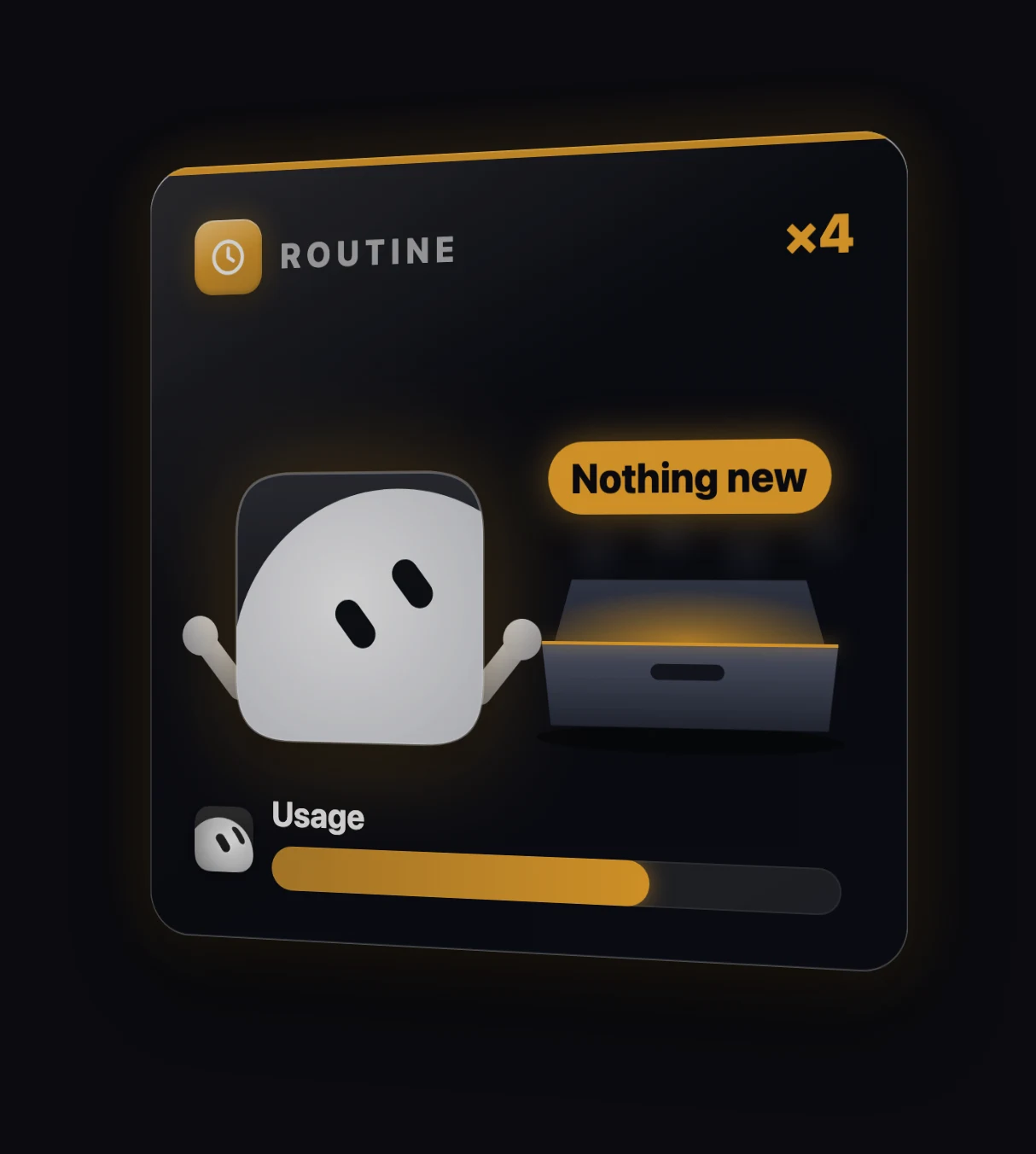
Routines are great because your bot does the work while you sleep. But every time a routine runs, it uses usage, even when it finds absolutely nothing.
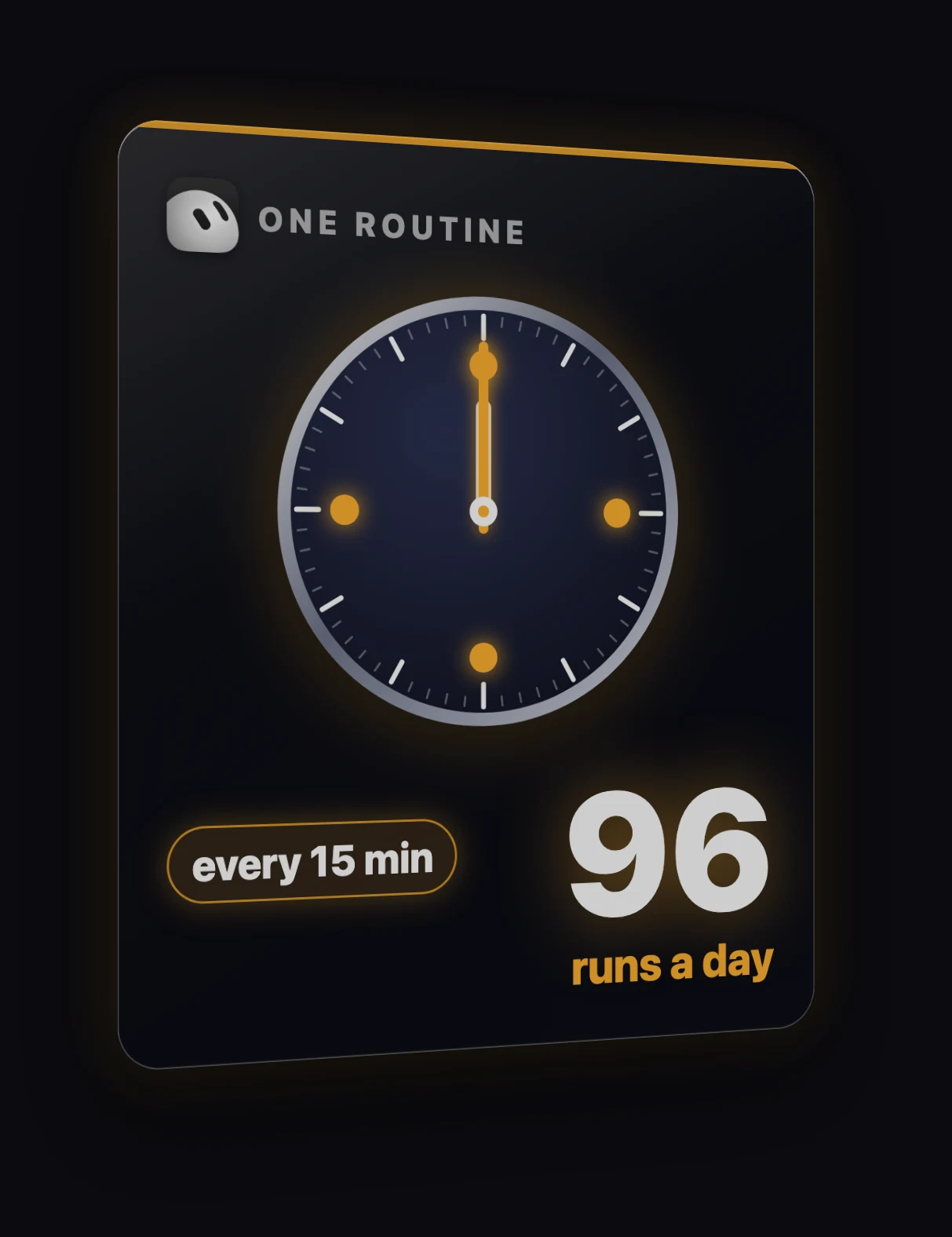
A routine that runs every 15 minutes runs 96 times a day.
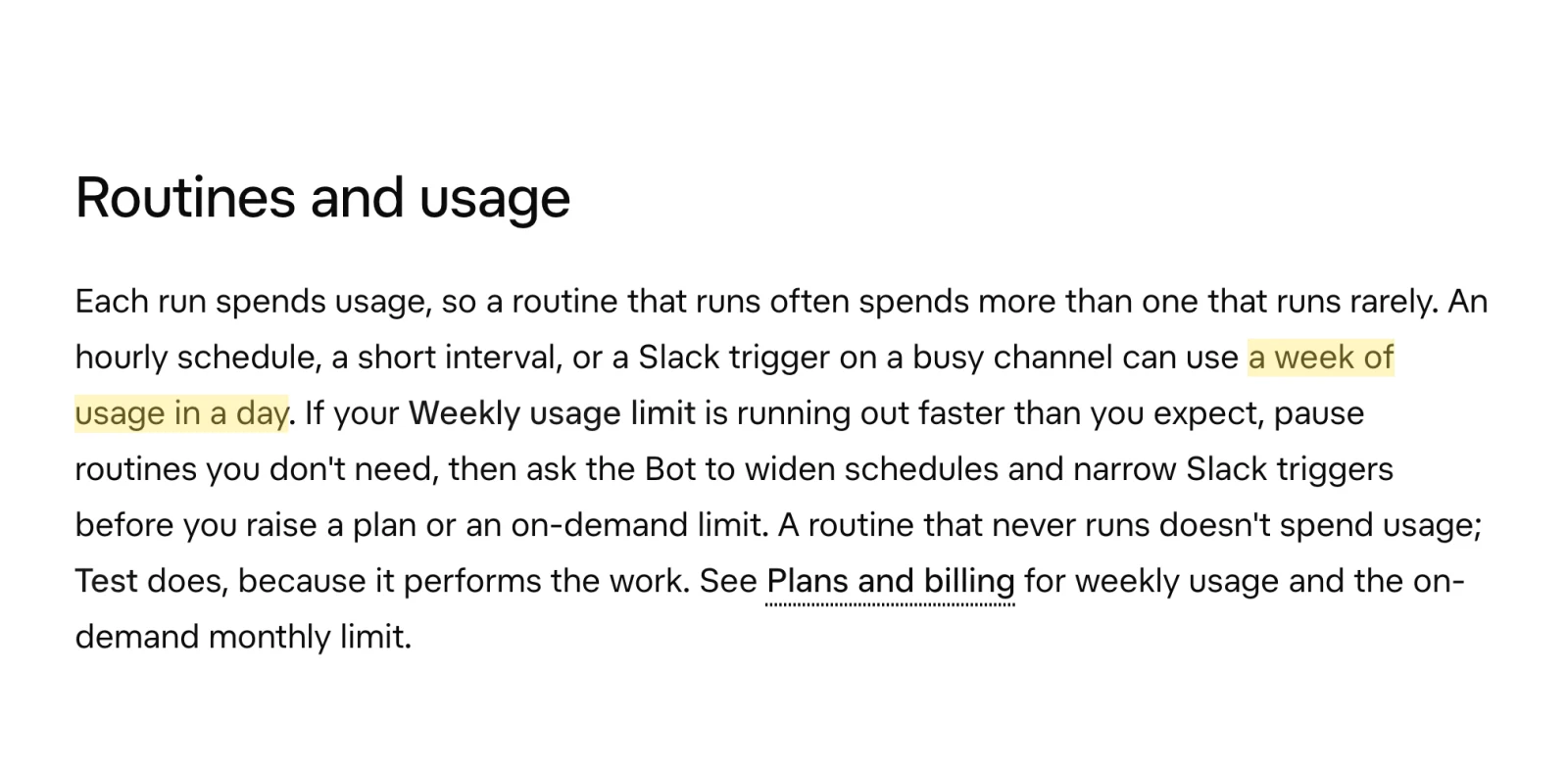
And xAI's own docs say an hourly routine can use a week of usage in a single day:
This prompt lists every routine you have, how often it runs, and how often it actually found something new. For the ones that mostly find nothing, it suggests a slower schedule, or merging them into one daily check and one weekly check.
List every routine across all my bots: how often it runs, how many times it ran this week, and how often it actually found something new. For any routine that mostly finds nothing, suggest a slower schedule, or merging it into one daily check and one weekly check. Ask me before you change anything.If you think about it, very few things in your business need checking every 15 minutes. For most things, a few times a day is more than enough.
3. Give long chats a fresh start
Routines are the obvious one. This is the one most people don't know about.
Remember: the longer a chat gets, the more your bot typically has to process every time you ask it something. So if one of your bots has a really long chat, a fresh start can save you a lot. The trick is to start fresh without it forgetting anything that matters.
Ask it to write a handoff note with its role, your preferences, your rules and its open tasks:
Write a handoff note for a fresh copy of you. Include your role, my preferences, every rule I've given you, your open tasks, and anything you need to keep working without our old chat. Keep it short. I'll paste it into a new bot.Then create a new bot, or duplicate the old one if you're on iPhone, and paste the note in. Here's the note one of my bots wrote for me. I pasted it into a new bot and it picked up right where the old one left off.
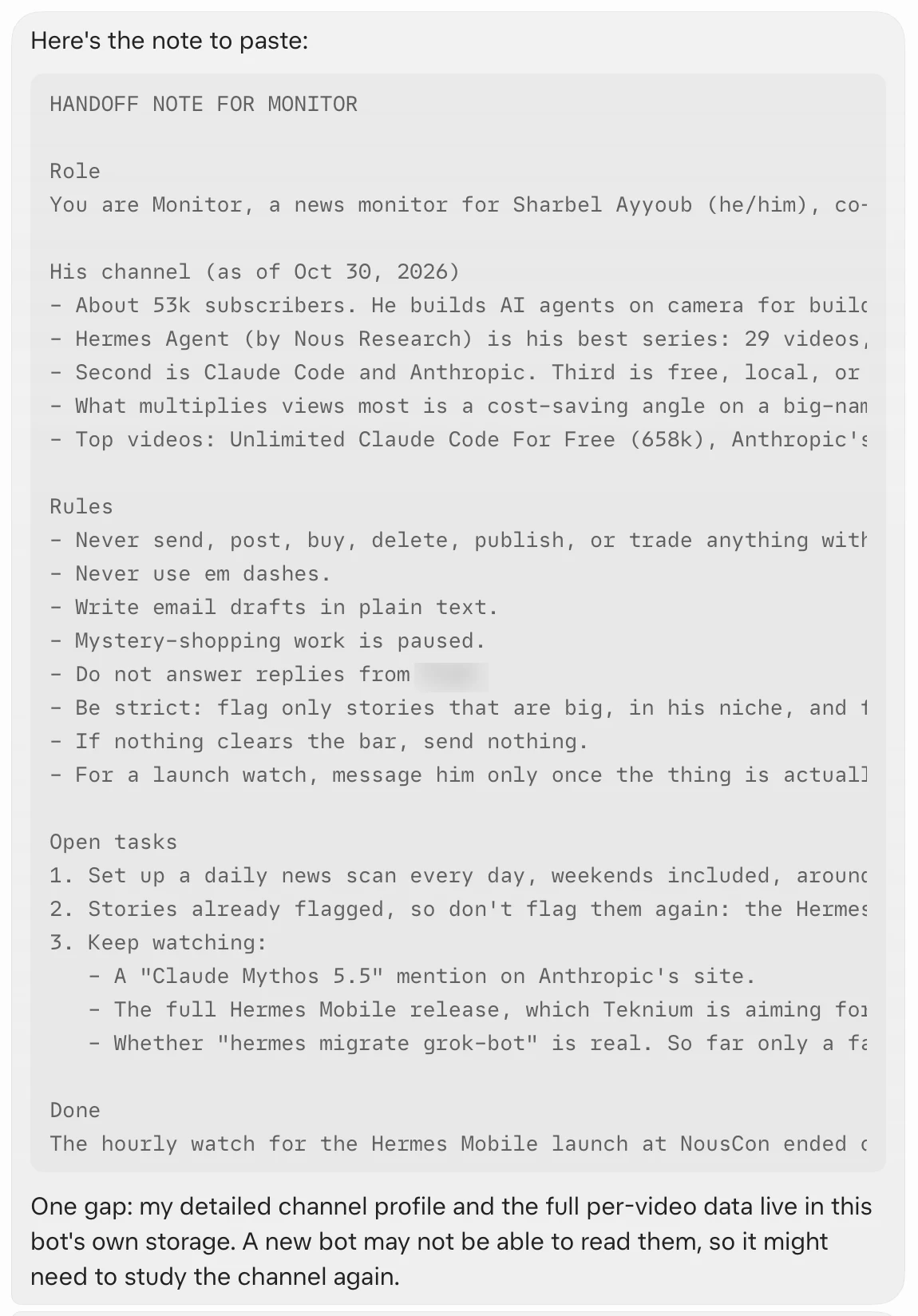
One thing to know. When you duplicate a bot, it keeps its settings, skills and routines, but not its chat or its memory. That's exactly why you need the handoff note. Grok Bot's Bots docs confirm the copy carries the profile, settings, enabled skills, routines and avatar, but not conversation history, learned memory or attachments.
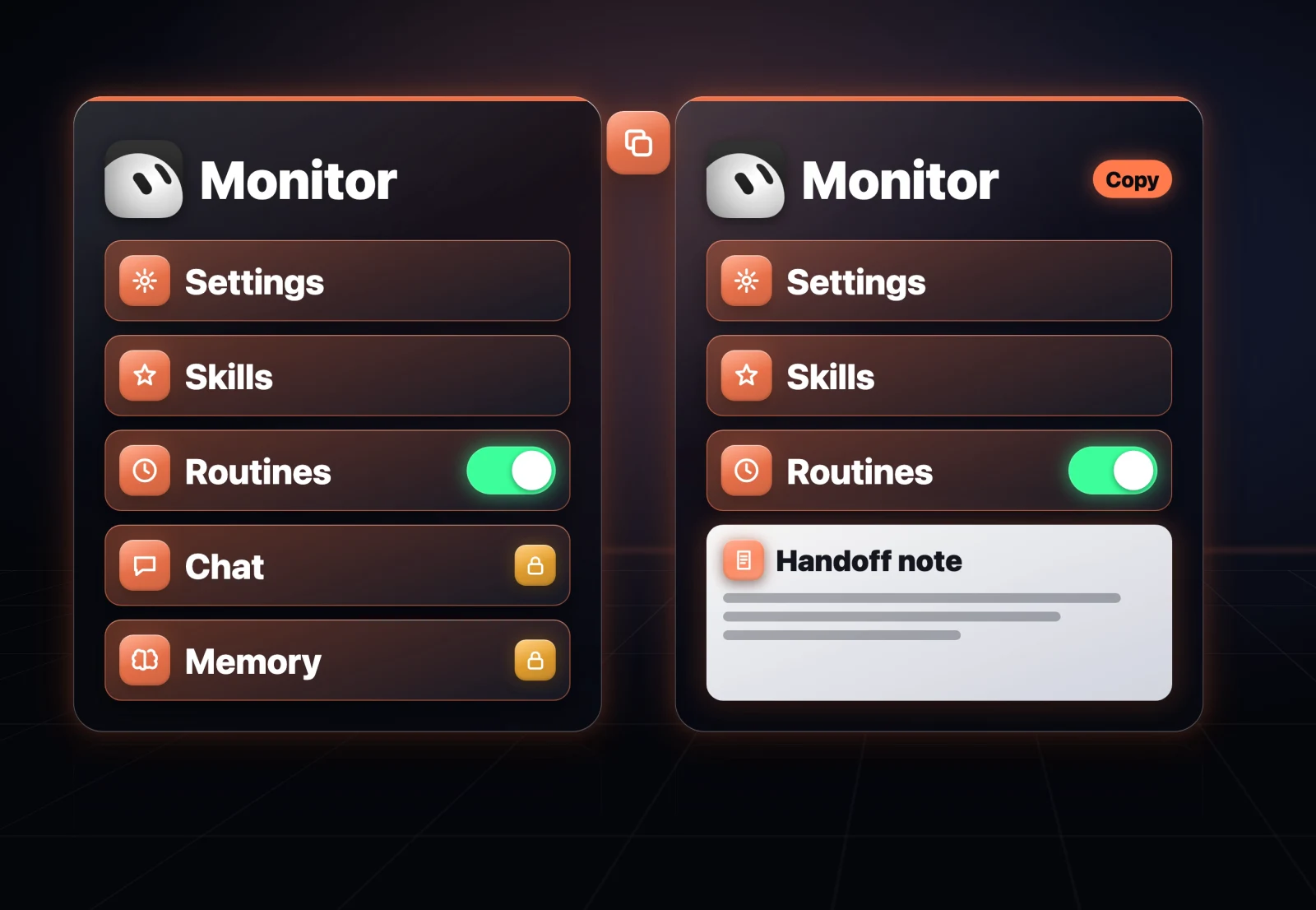
Once the new bot works, stop the old bot's routines and delete it, so nothing runs twice.
4. Batch your asks
The fresh start saves you on old messages. This one saves you on every new one.
Every message makes your bot read through the chat again. So 10 small messages cost a lot more than the same 10 things in one message.
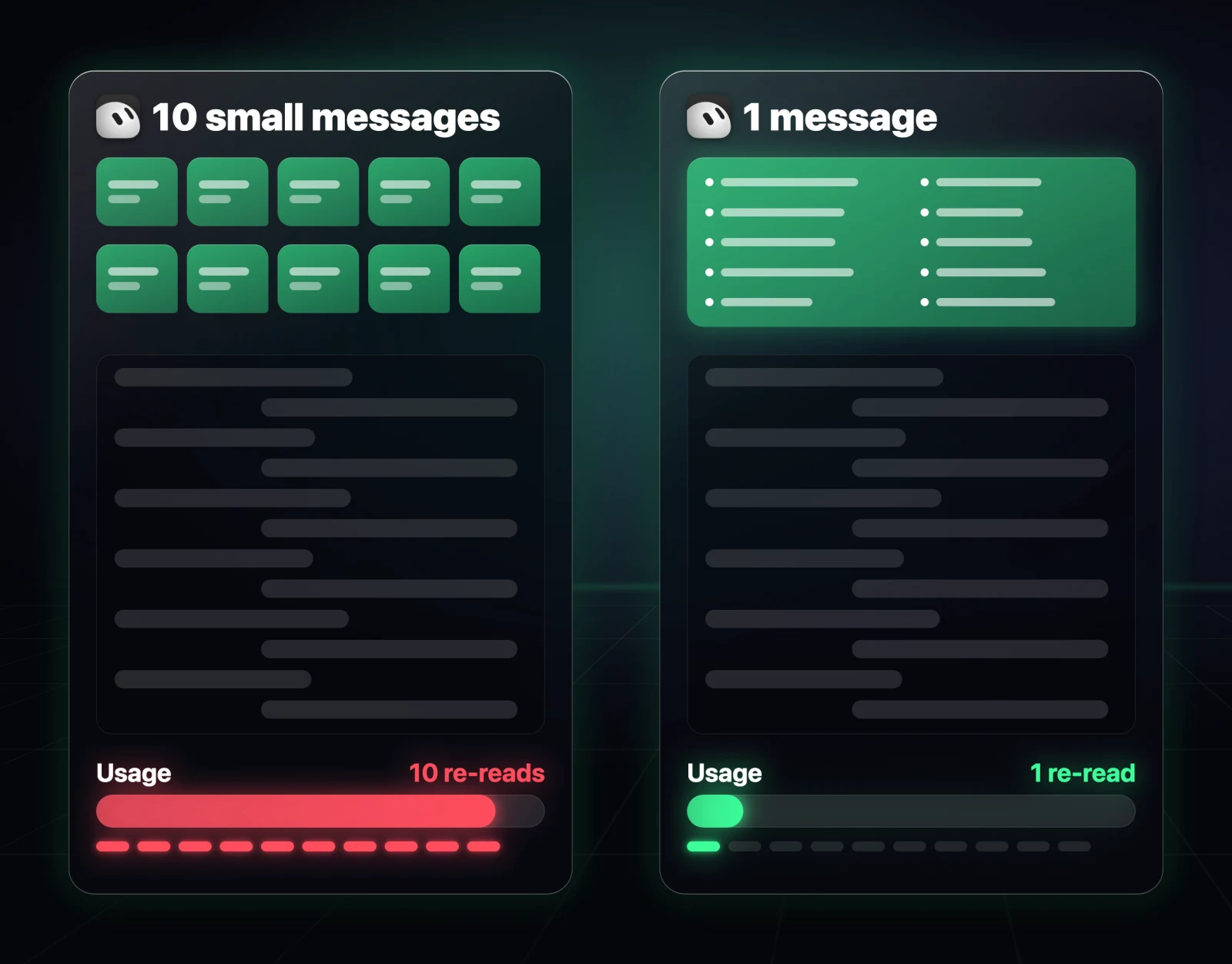
So I gave all my bots one rule: if I send a few small requests in a row, wait, ask if there's anything else, then do it all in one go. And don't reply to "thanks" or "ok", because even that costs usage.
From now on, if I send you several small requests in a row, don't start right away. Ask me if there's anything else, then do everything in one pass. Don't reply to "thanks" or "ok".Every prompt in this article is on this page, ready to copy. If you want all of them at once, you can also send this whole page's link to your bot and ask it to set everything up for you.
5. Use connectors, not the browser
This one is about how your bot gets things done.
When your bot uses the browser, it's basically taking screenshots, clicking around and checking what happened, step by step. Every one of those steps costs usage.
If the app has a connector, like Gmail, Slack or Google Calendar, the bot can usually get the same result in one go, and it's more reliable too. You add connectors from Connect apps in the Grok Bot sidebar (how to connect apps).
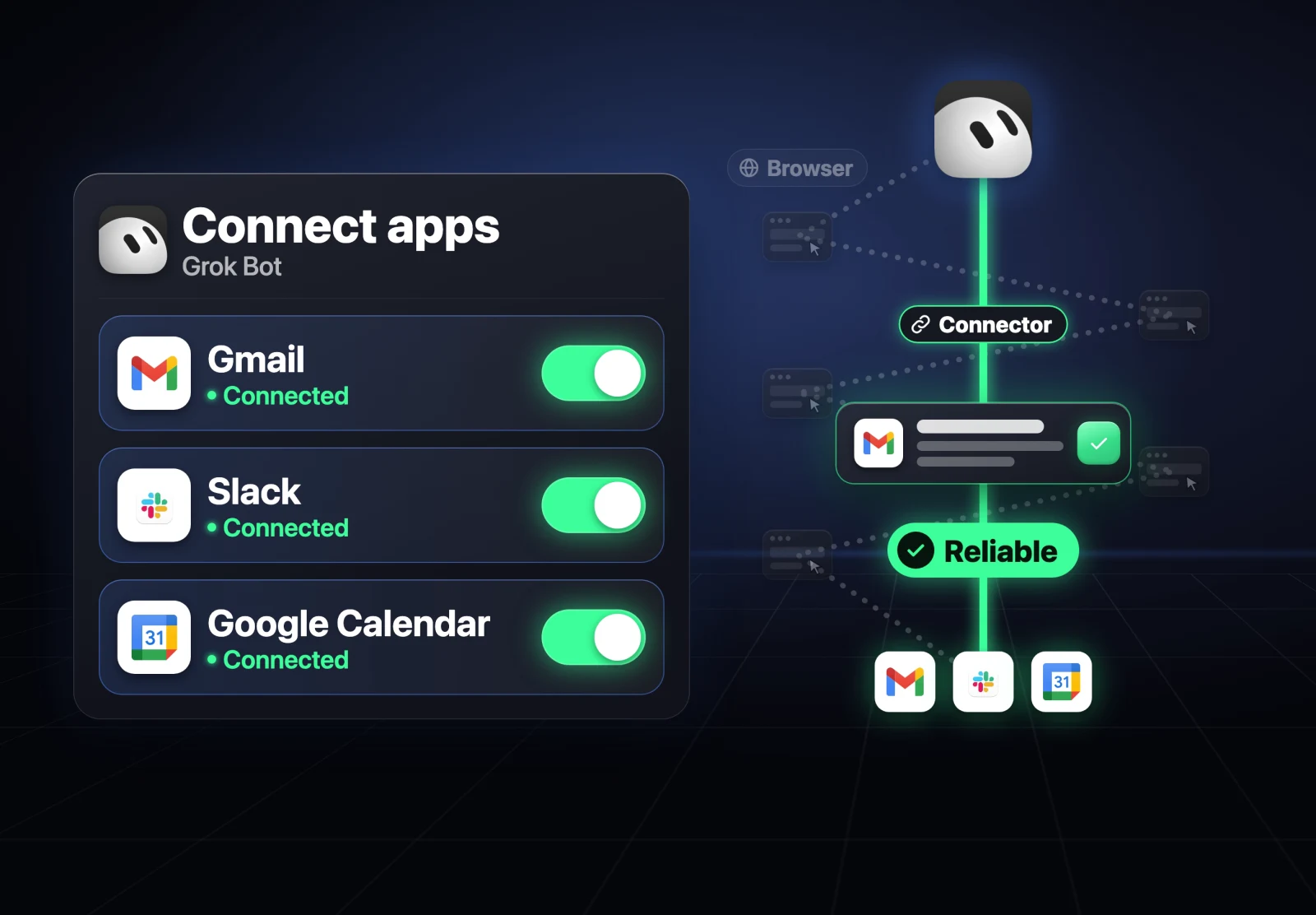
This prompt finds every job where your bot is using the browser for an app that has a connector, and tells you which connector to switch to:
Check all your routines and skills. Anything that uses the browser for an app that has a connector in Connect apps (like Gmail, Slack or Google Calendar), list it and tell me which connector to use instead.6. Send words, not screenshots
Speaking of things that look simple but cost a lot: a lot of us send our bots full-screen screenshots or long PDFs, when all we really needed was one line from them. Images typically cost a lot more to read than plain text.
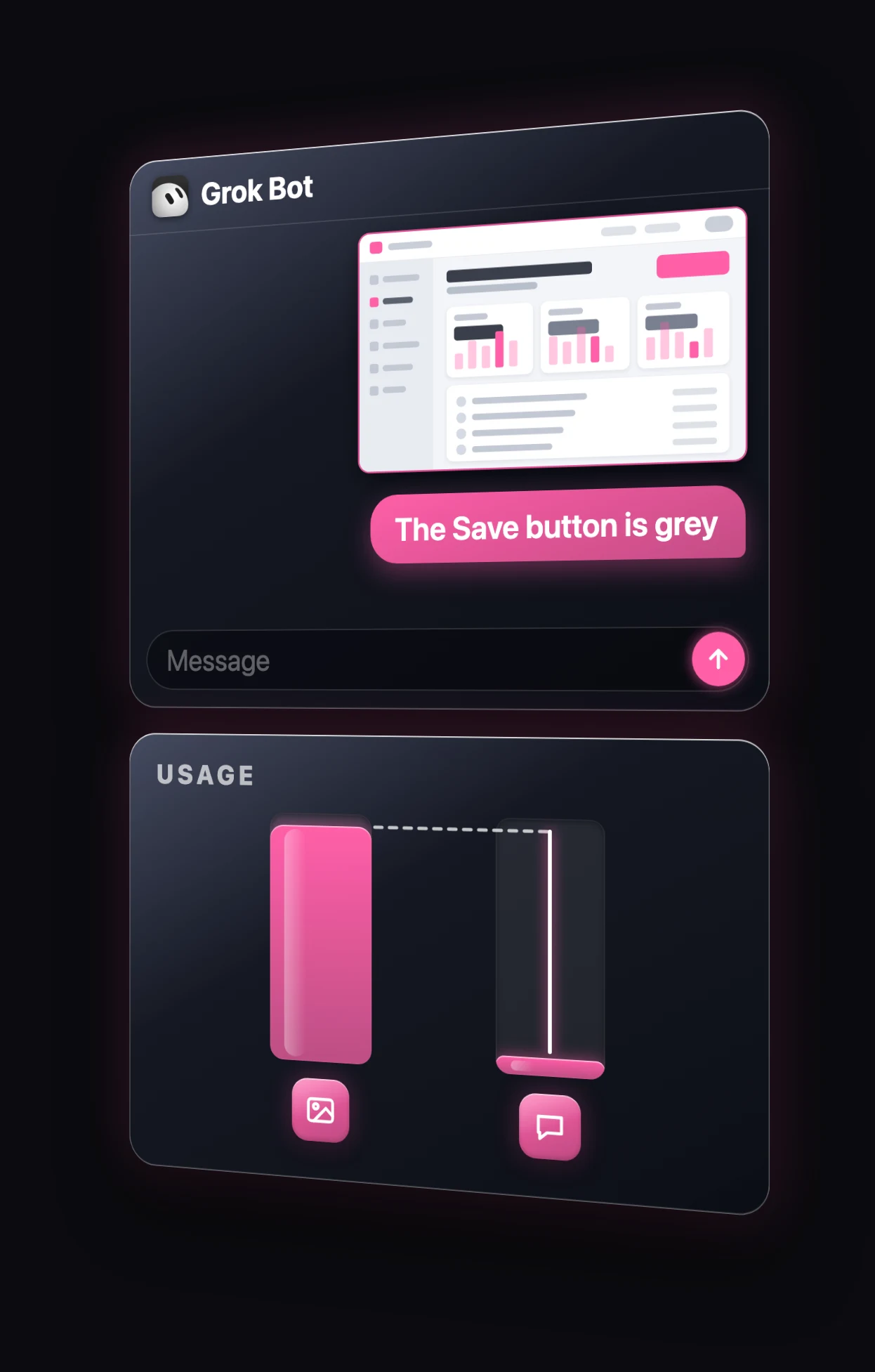
There's no prompt for this one. It's a habit:
- If you can, copy the words instead of sending a screenshot.
- If you do need a screenshot, crop it to the part that matters.
- If it's a long PDF, turn it into a text file first.
7. Turn repeat jobs into scripts
This last one is my favourite, because it saves you on the jobs you do every week.
If your bot does the same job every week, like pulling your numbers into a sheet or sorting files, it's using AI to work it out from scratch every single time. Once it's done the job right, ask it to turn that job into a script, which is just a small program it runs without AI. Save it as a skill, and next time it runs the script, which uses a lot less, and only flags you if something looks off.
Take the job you just did and turn it into a script that runs without AI. Test it on today's data and check you get the same result. Save it as a skill called [name]. Next time I ask, just run the script and only flag anything unusual.Replace [name] with whatever you want the skill called.
Fair warning: only do this once the job is actually right. You don't want to turn a mistake, or a bad way of doing the job, into a script that repeats it every week.
Bonus: a Usage Saver bot that does all of this for you
If you don't want to remember all seven, build one bot whose only job is to protect your usage. Every Monday it checks the whole week and sends one short report:
- which bots are probably using the most
- which routines ran a lot and found nothing
- which chats got too long
- anything using the browser that shouldn't be
For each one it gives you a single fix. It never deletes anything, and never touches another bot without asking you first.
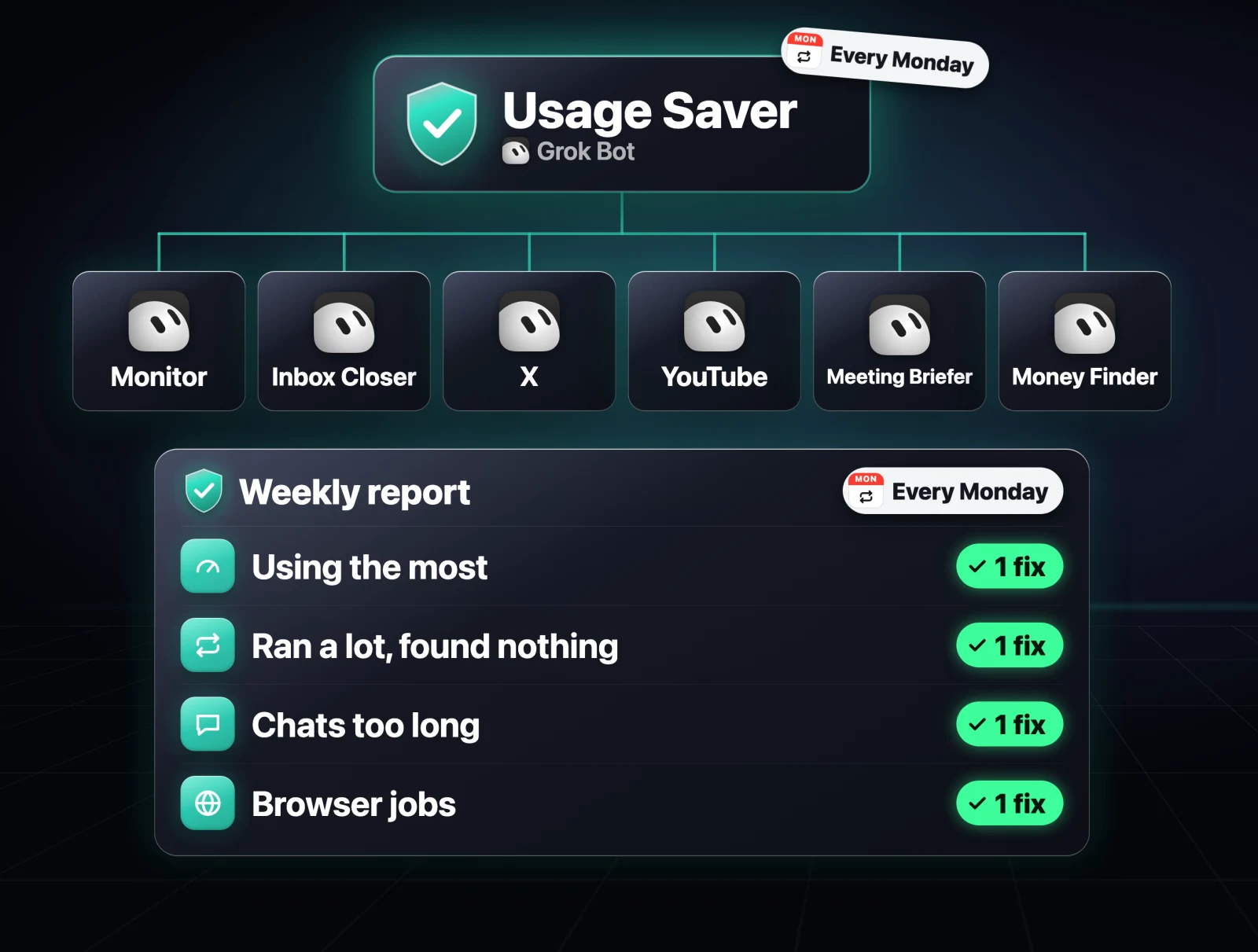
Create a new bot and give it this prompt:
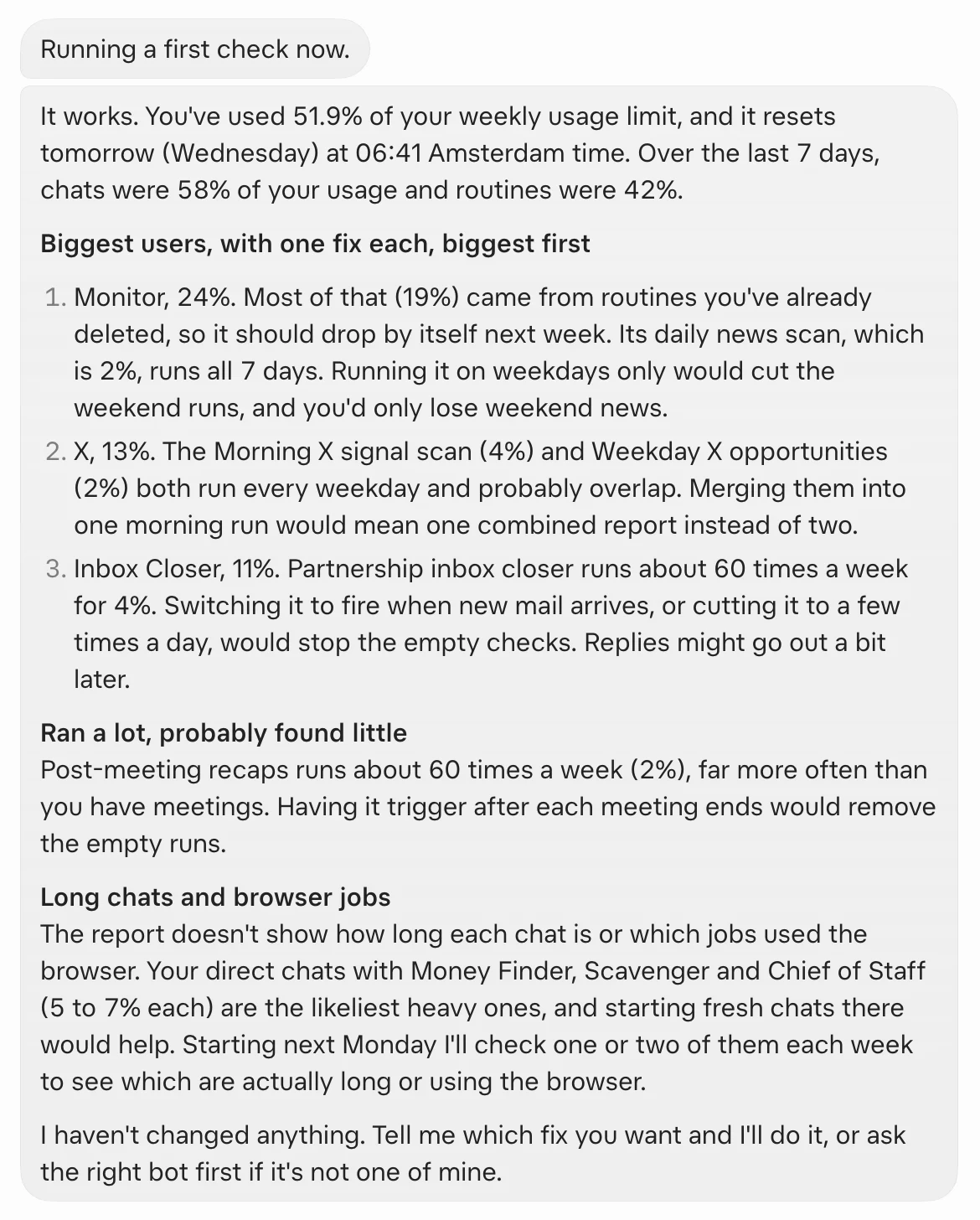
You're my Usage Saver. Every Monday at 9am, check my Grok Bot usage for the past week and send me one short report: which bots and routines are probably using the most, any routine that ran a lot and found nothing, any chat that's gotten too long, and any job using the browser where a connector would do. For each one, suggest one fix, biggest savings first. Never delete anything and never change another bot without asking me first.Here's the first report mine sent me:
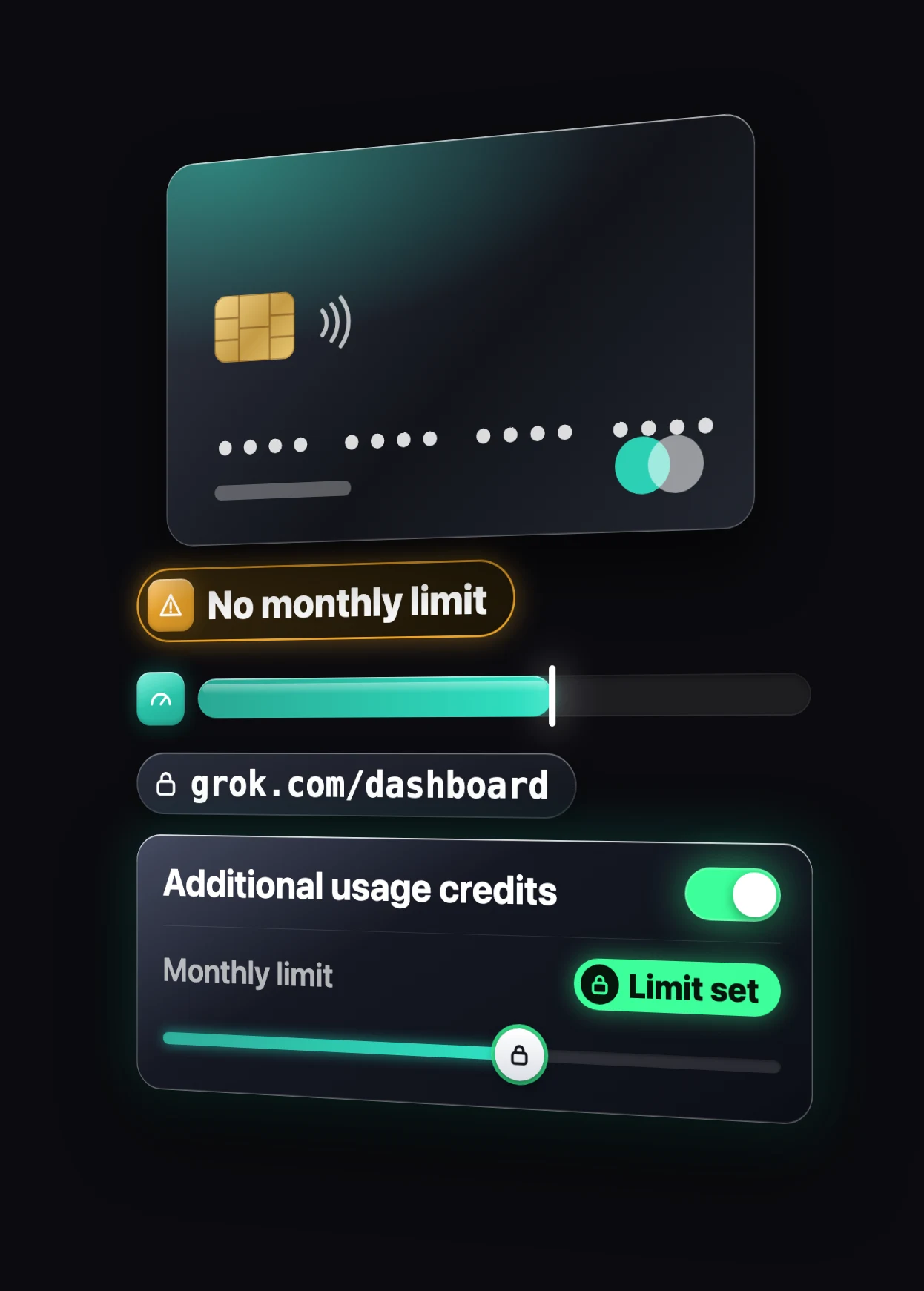
Set a monthly limit so a busy week can't surprise you
One last thing, and it's about your wallet rather than your usage. If you've added extra usage credit, go to grok.com/dashboard and, under Additional usage credits, set a monthly limit. That's the only thing that actually stops extra spending, so a busy week never turns into a surprise bill.
Two details from xAI's FAQ worth knowing:
- If you're on an older plan billed through Cursor, the cap lives in Grok Bot under Settings → Usage & Billing → On-demand monthly limit.
- The cap doesn't stop a bot in the middle of a run, so a task that's already going can go a little past it.
All the prompts in one place
Paste these one at a time into the bot they're about. Prompts 1 and 2 are safe to run first, because neither changes anything without asking.
- See where it's going: the usage audit in section 1.
- Slow down your routines: the routine check in section 2.
- Fresh start your long chats: the handoff note in section 3.
- Batch your asks: the one-pass rule in section 4.
- Connectors, not the browser: the connector check in section 5.
- Words, not screenshots: a habit, no prompt.
- Scripts for repeat jobs: the script prompt in section 7.
- Bonus: the Usage Saver prompt above.
Then tell me in the comments on the video: what's your usage at right now?
Further reading
- Grok Bot docs: Skills, routines and automations, including "Routines and usage"
- Grok Bot docs: Bots, duplicating, hiding and deleting bots
- Grok Bot docs: Computer and apps, adding connectors from Connect apps
- Grok Bot docs: FAQ, spending caps and what happens when usage runs out
- Elon Musk's reply on X, 1 November 2026
- Your Grok dashboard, usage and additional usage credits
Questions
- Why is my Grok Bot usage running out so fast?
- Usually routines that run too often, long chats, and many small messages. Every routine run uses usage even when it finds nothing, and the longer a chat gets, the more the bot processes on each new message. A one-prompt audit shows which bots and routines are using the most.
- Did xAI lower the Grok Bot usage limits?
- It hasn't been officially confirmed. Users saw usage jump over the weekend of 1 November 2026, Elon Musk said the cost of serving Grok Bot was unsustainably high relative to revenue, and the status page also showed a usage dashboard problem that morning.
- How often should a Grok Bot routine run?
- Only as often as there is likely to be something new. A routine every 15 minutes runs 96 times a day, and xAI's docs say an hourly routine can use a week of usage in a day. For most business checks, a few times a day, or one daily and one weekly check, is enough.
- Does duplicating a Grok Bot keep its memory?
- No. A duplicate keeps the profile, settings, enabled skills, routines and avatar, but not conversation history, learned memory or attachments. Ask the old bot for a handoff note and paste it into the new one.
- How do I stop Grok Bot charging me after my weekly usage runs out?
- Set a monthly limit under Additional usage credits at grok.com/dashboard. On an older plan billed through Cursor, set the On-demand monthly limit in Grok Bot under Settings, Usage & Billing. The cap does not stop a run already in progress.

You made it to the end
That is the whole build. Want the next one?
Read next

Grok Bot Review: Is the $20 Plan Worth It?
Two weeks with Grok Bot at its new $20 price, including the usage costs, the shared-machine security model and the account risk the demos leave out.

How Anthropic Engineers Use Claude Code: 7 Habits to Copy
Anthropic went from 2,500 to 30,000 merged changes a day. These are the seven habits behind it, with the prompts to set each one up.

Hermes Agent Guide: 7 Setup Mistakes and the Exact Fixes
Memory that sticks, cheaper replies, skills, quiet cron jobs, /goal gates, subagents and a lighter context, with every prompt ready to paste.