How to Run Claude Code for Free With a Local Model
Keep the real Claude Code and point it at a model on your own machine. Three free routes, every command, and the trade-off each one asks for.
From the videoOllama Setup: A Free Claude Code You Own In 10 Minutes
You can run Claude Code for free by pointing it at a model on your own machine instead of Anthropic's. Install Ollama, download a model that fits your RAM, then run ollama launch claude. You keep the real Claude Code, the same commands and the same project. The bill goes to zero and your code never leaves your computer.
There are three ways to do this. Running a local model is the private one. Stacking free API tiers gives you better models but sends your code out. Switching to a different agent skips the setup entirely. This page covers all three, with every command.
Why Claude Code can be free at all
Claude Code is two separate things in one product, and you only pay for one of them.
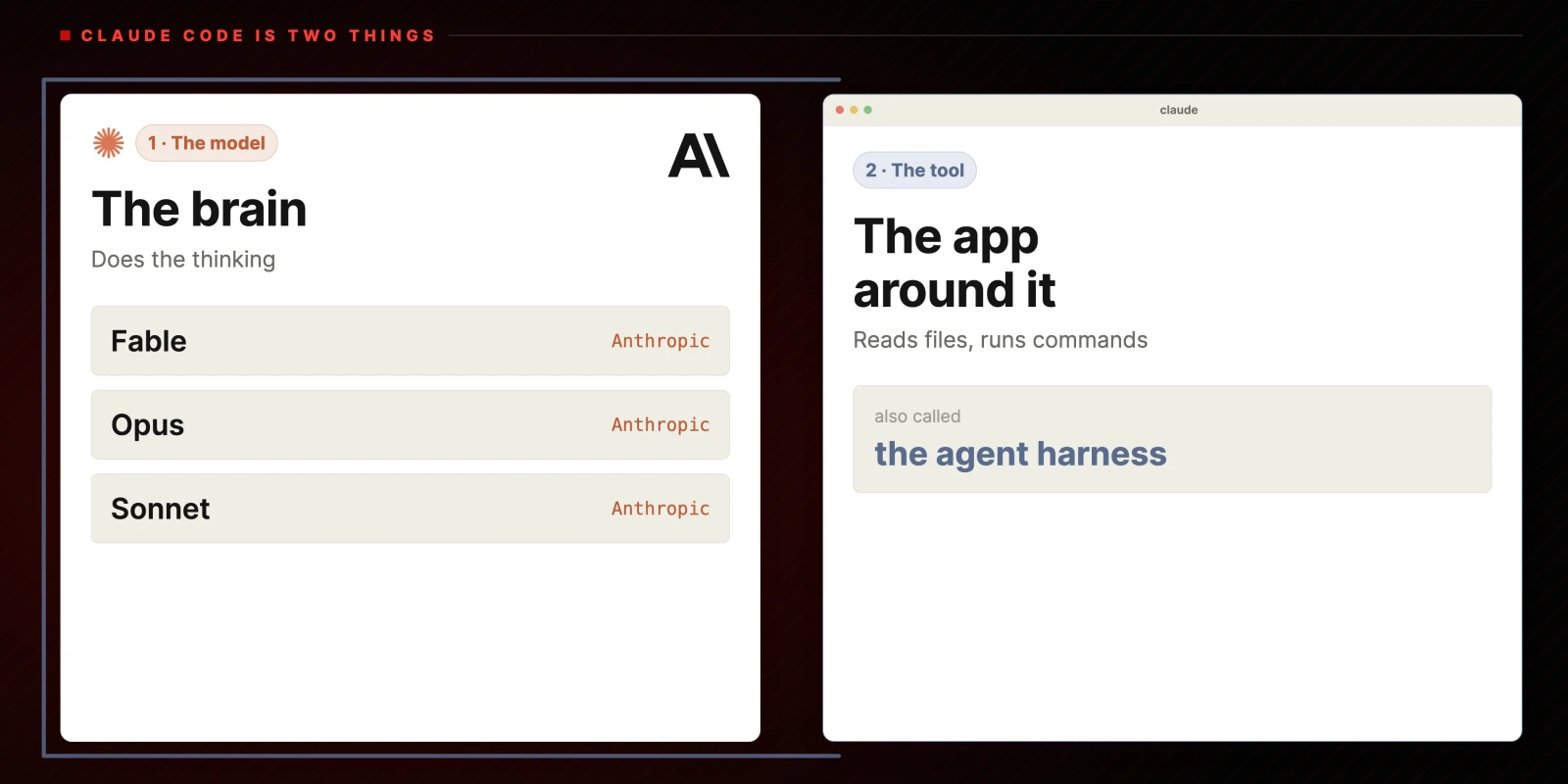
There is the model, which does the thinking. In Claude Code that is Fable, Opus or Sonnet, all from Anthropic. Then there is the tool wrapped around it: the thing that reads your files, runs commands and edits code. People call that the agent harness.
When you pay Anthropic, you are paying for the brain. The tool runs on whatever brain you point it at.
So you keep Claude Code exactly as it is and point it somewhere else.
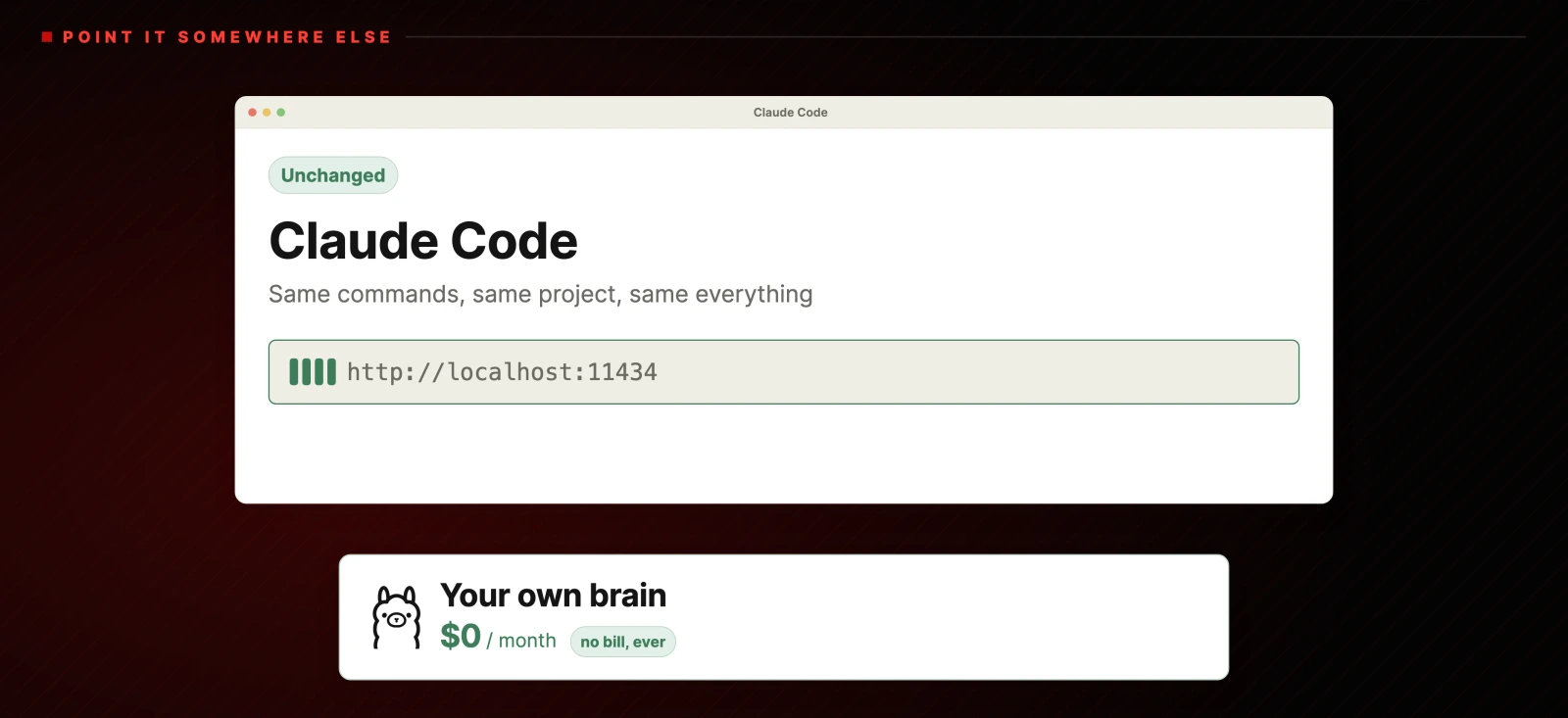
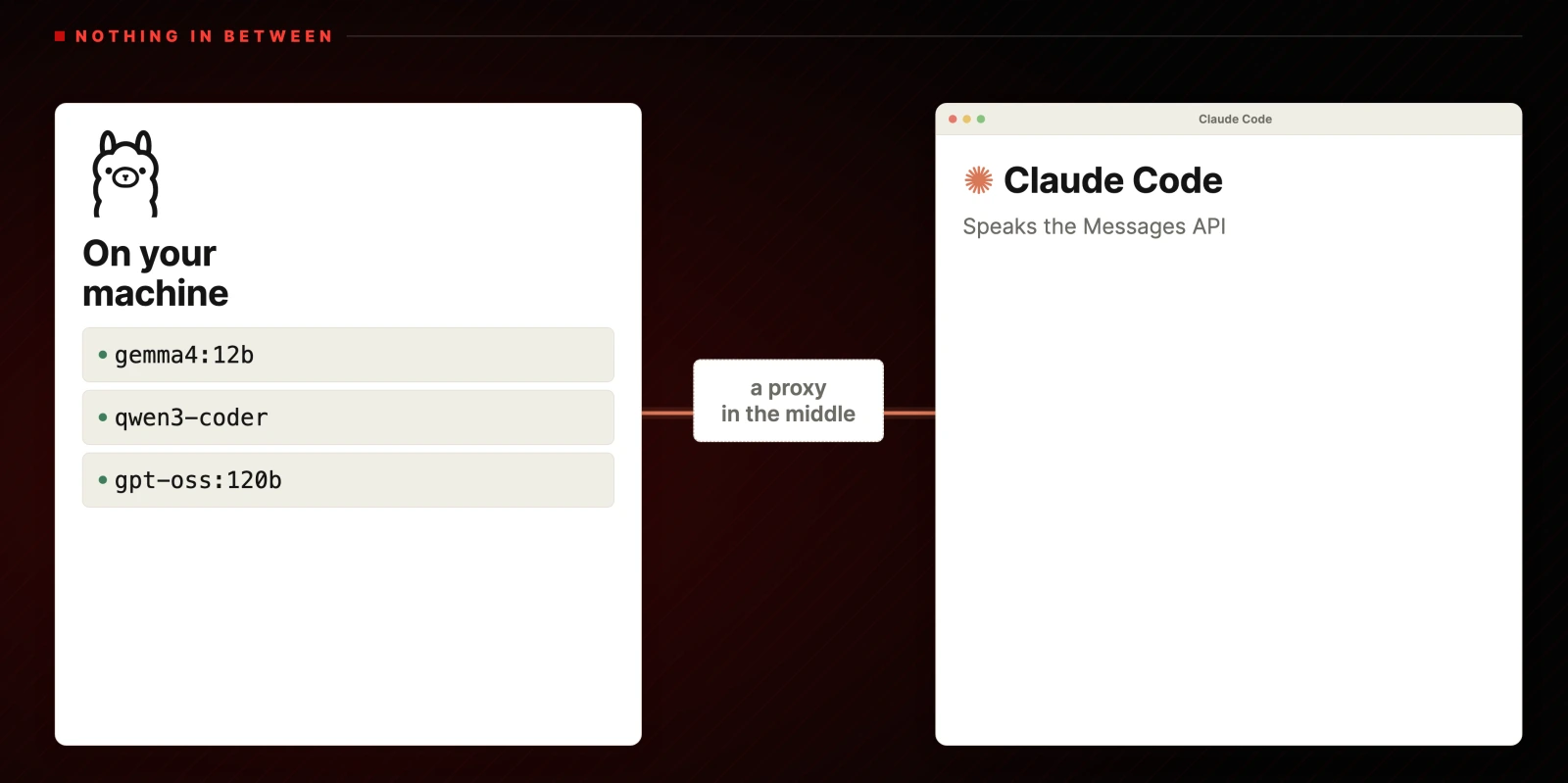
The thing that makes this practical is Ollama. It runs models locally, and it recently started speaking Claude Code's own protocol. The two connect directly with nothing in between, on http://localhost:11434.
Step 1: install Ollama and download a model
Go to ollama.com, click Get Started, and copy the install command for your operating system. On macOS that is:
curl -fsSL https://ollama.com/install.sh | shPaste it into a terminal and hit enter. When it finishes you have both the ollama command and a normal desktop app.
Then download a model. Which one depends on how much memory your machine has. More RAM means a bigger and smarter model.
Which model should you download?
| Your RAM | Download | Size | Context |
|---|---|---|---|
| 8 to 16 GB | gemma4:12b |
7.7 GB | 256K |
| 18 to 32 GB | qwen3-coder |
19 GB | 256K |
| 64 GB or more | gpt-oss:120b |
65 GB | 128K |
ollama pull gemma4:12bIf you are on a Mac, pick a model about half your RAM. Apple silicon shares memory across everything running, so an 18 GB MacBook does not have 18 GB free for a model. With 18 GB, use a 9 GB model like gemma4:12b rather than something that fits exactly.
At 64 GB and up, gpt-oss:120b is where a local model starts to feel close to the paid thing. Below that, expect a real gap.
Step 2: point Claude Code at your local model
Open the Ollama app and click Apps. There are two routes.
The first opens the Claude Code desktop app directly with the model you choose. The second, Claude Code in other apps, copies a command to your clipboard. Paste it into a terminal:
ollama launch claudePick the model you downloaded. Claude Code starts, and the header shows the model name and the effort level, for example gemma4:12b with high effort.
That is the whole connection. Claude Code works exactly as it always has. It just costs nothing now.
Step 3: give it a job, and know the trade-off
Ask it for something real. In the video I asked for a calculator app, and it built one that correctly returns 4 for 2+2 and 4 for 32÷8.
The honest part is the wait. On an 18 GB MacBook Pro running gemma4:12b, a job that a paid frontier model finishes in seconds takes several minutes. Nothing is wrong when that happens. That is what free means here: your machine does the work instead of Anthropic's, so the price moves from your card to your time.
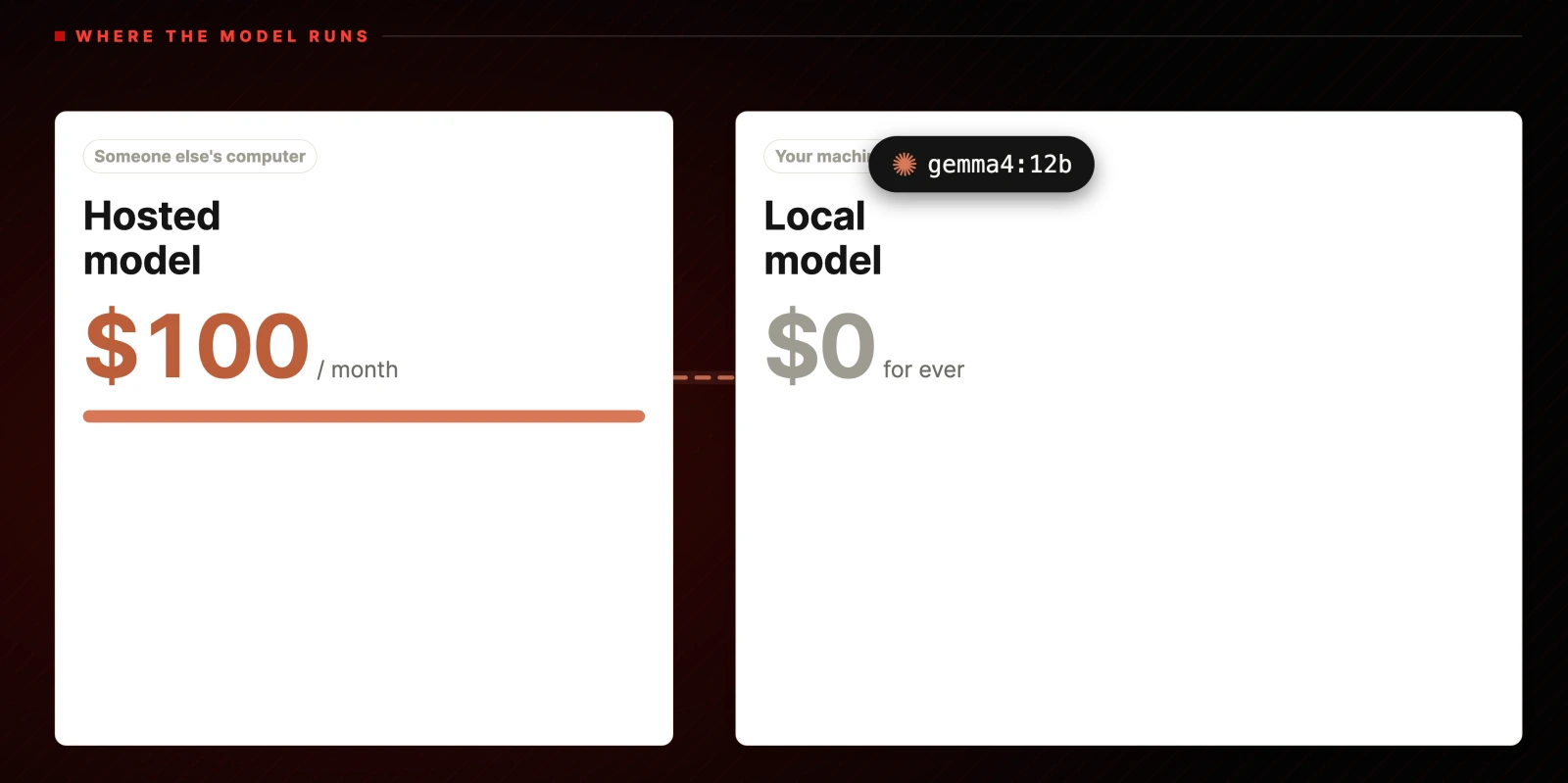
If your machine cannot do the heavy lifting, the trade is not worth it, and one of the next two options will suit you better.
Option 2: stack free API tiers with FreeLLMAPI
FreeLLMAPI takes a different angle. Instead of running a model on your machine, it collects the free tiers that almost every AI lab gives away, Google, Groq, Mistral and more, and puts them behind one endpoint. Then it points Claude Code at that.
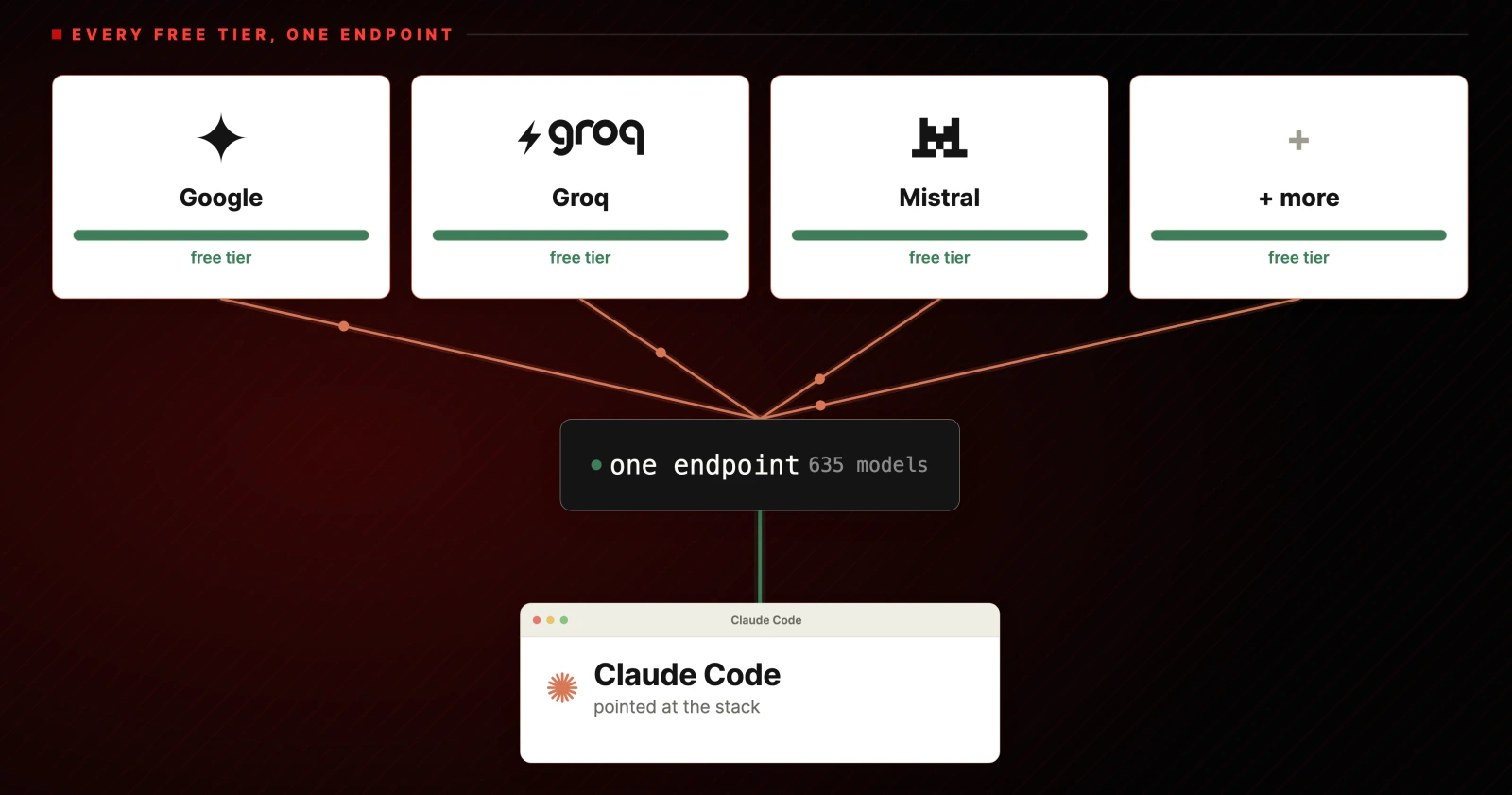
Stacked together those tiers add up to roughly 7.4 billion tokens a month across 34 providers and 635 free model endpoints. You bring your own keys, they are stored encrypted on your machine, and you get far more model choice than you could ever run locally.
The catch is privacy. Your code still goes out to those providers.
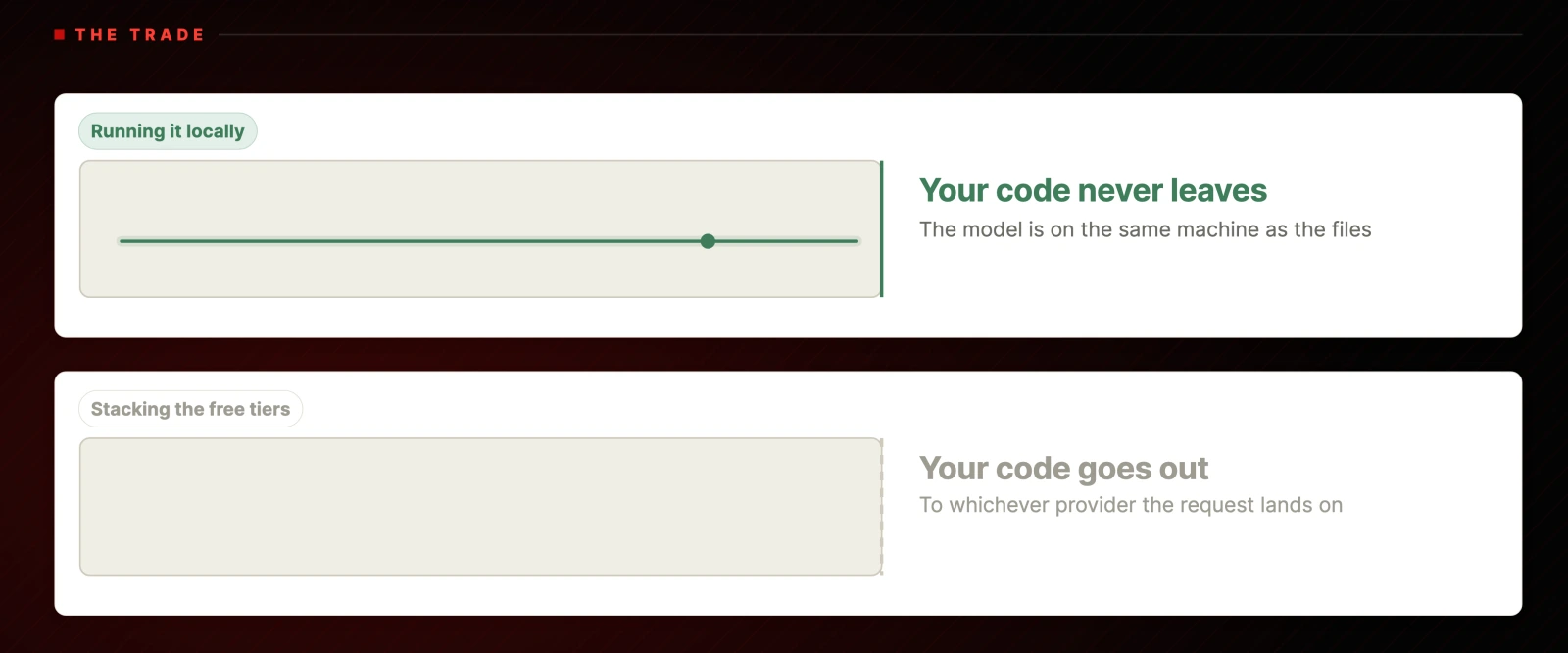
If you care about free more than you care about private, this is the better option.
It needs Docker installed first. Then:
curl -fsSL https://freellmapi.co/install.sh | bashOpen the dashboard at http://localhost:3001. On a fresh install it asks for a setup code, which is printed to the container log. Find the container name and read it:
docker ps
docker logs -f <container-name>
Then go to Keys, add a key, and pick a provider. Google AI Studio is a good first one: create an API key, name it anything, copy it, paste it into the dashboard and save.
Finally, point Claude Code at the stack. Grab your unified API key from the Keys page header and run:
npx freellmapi setup-claude --url http://localhost:3001 --api-key <unified-key>Do not skip the --url flag. Without it the command defaults to http://localhost:3000, while the dashboard runs on 3001, and the setup fails with a connection error. This caught me on camera. If your dashboard is on a different port, use that number instead.
Then run claude in your terminal and it uses the stacked free tiers.
Option 3: skip the setup and use OpenCode
OpenCode is a free, open source coding agent built from day one to run on any model you want. No setup tricks.
Go to the site, click Download, pick your platform, and you are done. It ships with access to a set of free models out of the box.
You are not running Claude Code any more. In practice it does the same job. Given the same calculator task, OpenCode one-shotted it, and the result was slightly cleaner than what the local model produced.
This is the one I recommend to most people, purely because it removes every step above.
Which one should you pick?
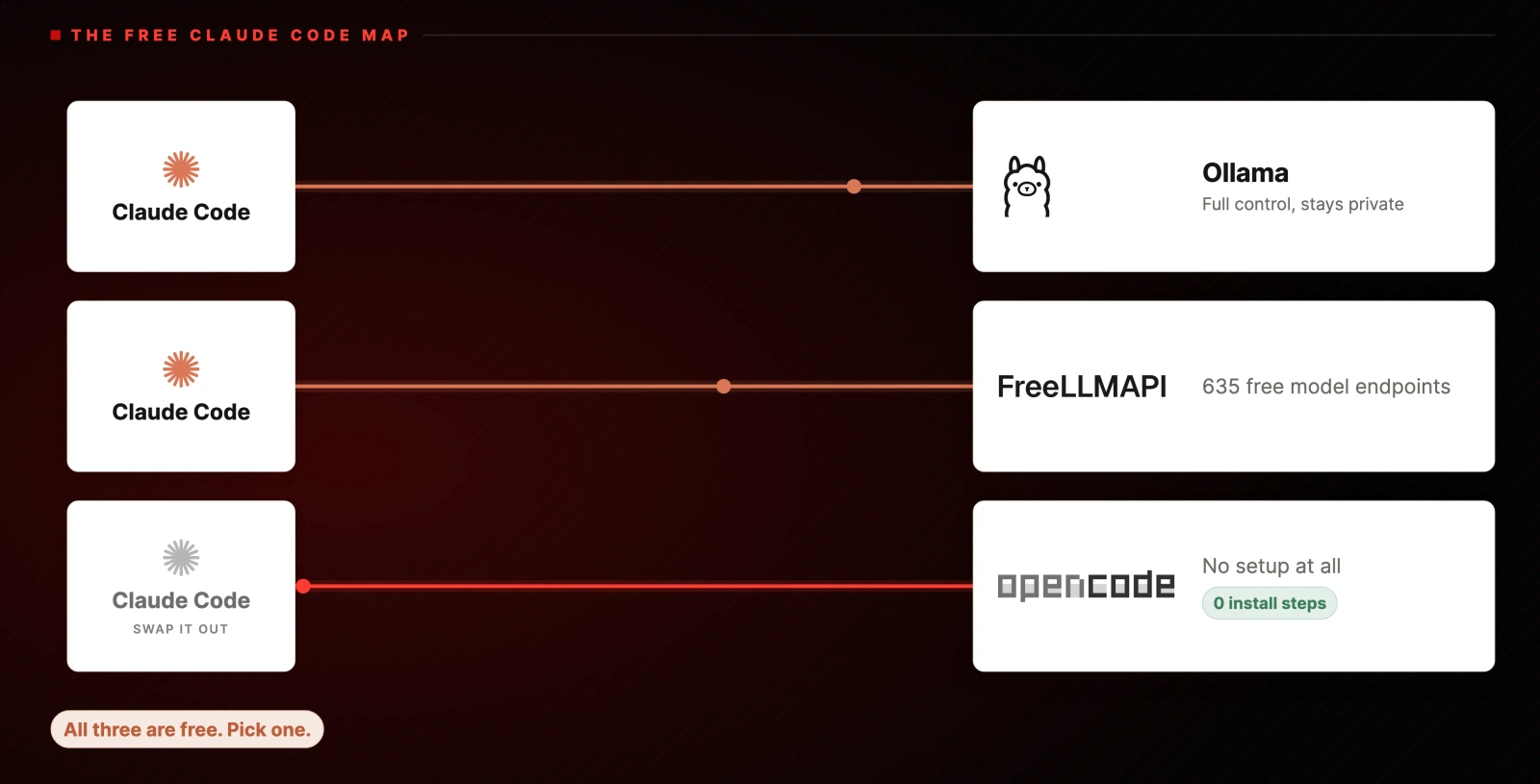
- Want full control and real privacy? Run it through Ollama. Your code never leaves the machine.
- Want more model choice and better quality? Run it through FreeLLMAPI. Accept that requests go out to providers.
- Want it working in five minutes? Use OpenCode and skip the installation entirely.
All three cost nothing. The difference is what you are willing to trade: your time, your privacy, or the Claude Code name.
Resources
Everything from the video, in full:
# Install Ollama (macOS)
curl -fsSL https://ollama.com/install.sh | sh

# Download a model that fits your RAM
ollama pull gemma4:12b        # 8 to 16 GB
ollama pull qwen3-coder       # 18 to 32 GB
ollama pull gpt-oss:120b      # 64 GB and up

# Run Claude Code on it
ollama launch claude# FreeLLMAPI, the stacked free tiers route (needs Docker)
curl -fsSL https://freellmapi.co/install.sh | bash
# Find the setup code on a fresh install
docker ps
docker logs -f <container-name>
# Point Claude Code at the dashboard, note the --url flag
npx freellmapi setup-claude --url http://localhost:3001 --api-key <unified-key>The Mac rule worth repeating: memory is shared across everything, so pick a model about half your total RAM.
Further reading
- Ollama and the model pages for gemma4, qwen3-coder and gpt-oss
- Claude Code
- FreeLLMAPI on GitHub and freellmapi.co
- OpenCode
- Docker, Google AI Studio, Groq, Mistral
What to do next
Check your RAM, pick the model from the table, and run the two commands. If the wait annoys you more than the privacy pleases you, install OpenCode instead and spend the time you saved on the actual work.
Questions
- Is this a Claude Code knockoff?
- No. It is the real Claude Code, unchanged. Claude Code is a tool wrapped around a model, and it will run on whatever model you point it at. You are swapping the model underneath it, not replacing the tool.
- Which model should I download for my RAM?
- With 8 to 16 GB use gemma4:12b. With 18 to 32 GB use qwen3-coder. With 64 GB or more use gpt-oss:120b, which is where a local model starts to feel close to the paid product. On a Mac, memory is shared across everything, so pick a model about half your total RAM.
- How much slower is a local model than paid Claude Code?
- Noticeably. On an 18 GB MacBook Pro running gemma4:12b, a task a frontier model finishes in seconds takes several minutes. That is the trade: your machine does the work instead of Anthropic's, so the cost moves from your card to your time. More RAM and a larger model narrows the gap.
- Does my code stay private when I run Claude Code locally?
- Yes with Ollama. The model runs on the same machine as the files, so nothing is sent anywhere and it works offline. That is not true of the FreeLLMAPI route, where requests go out to whichever provider handles them.
- Why does npx freellmapi setup-claude fail with a connection error?
- The command defaults to http://localhost:3000, but the FreeLLMAPI dashboard runs on 3001. Pass the port explicitly with --url http://localhost:3001 and it connects. If your dashboard is on another port, use that number.
- What is the easiest free option if I do not want to set anything up?
- OpenCode. It is a free, open source coding agent that ships with access to free models out of the box, so there is no install beyond downloading it. You lose the Claude Code name but keep the same workflow.

You made it to the end
That is the whole build. Want the next one?
Read next

How to Use Claude Code: The Complete Guide
Setup, permission modes, CLAUDE.md, context, cost, skills, hooks and the seven day path to actually learning it.

Claude Code Mods: The 5 Worth Installing
Mods run inside Claude Code, not around it. Here are the five that earn their place, with the install commands, plus a prompt that tells you which one to build next.

How to Give Claude Code Screen Context and Voice
Circle anything on your screen, say what you want, and a Claude Code run starts in your project. The full setup, the costs, and the free alternatives.