How to Run Claude Code for Free on a 550B Model (3 Ways, No GPU)
Keep the Claude Code app, swap the small local brain for a huge hosted one, and pay nothing.
From the videoClaude Code For Free (Runs On A 550B Model)
You can run Claude Code for free without a powerful computer by keeping the Claude Code app and pointing it at a big model that someone else hosts for free. The three setups that work: the Free Claude Code app with a free NVIDIA key, OpenRouter's free models with a one-time $10 top-up, and OmniRoute, which stacks every free tier into one endpoint. If you can spend a few cents, Magpie plus DeepSeek is the upgrade.
Everything below is the exact setup I use, with every key page linked.
Why free Claude Code on a laptop felt slow
Claude Code is really two things. There is the brain, the AI model that does the thinking. And there is the app wrapped around it, which is Claude Code itself.
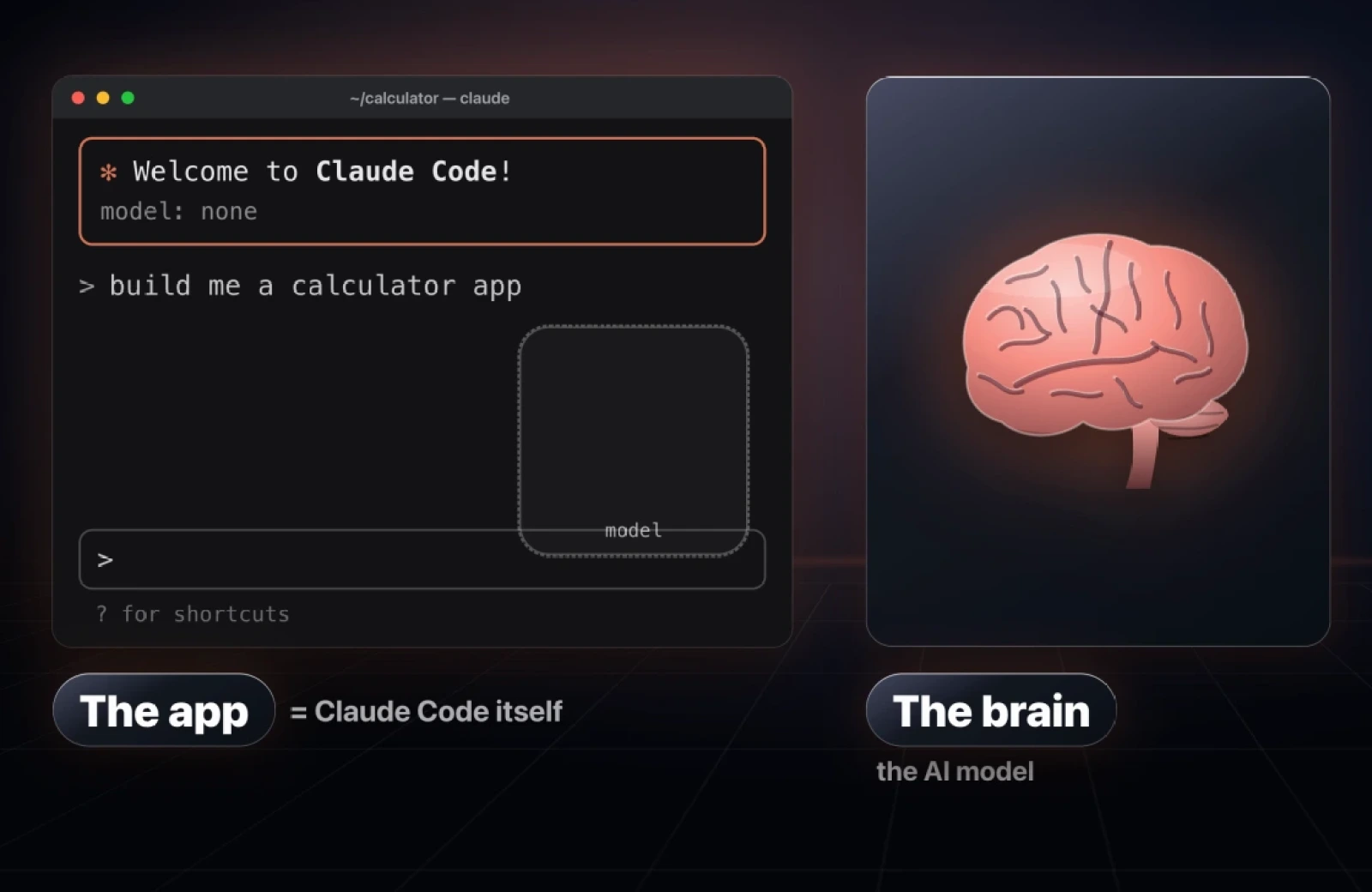
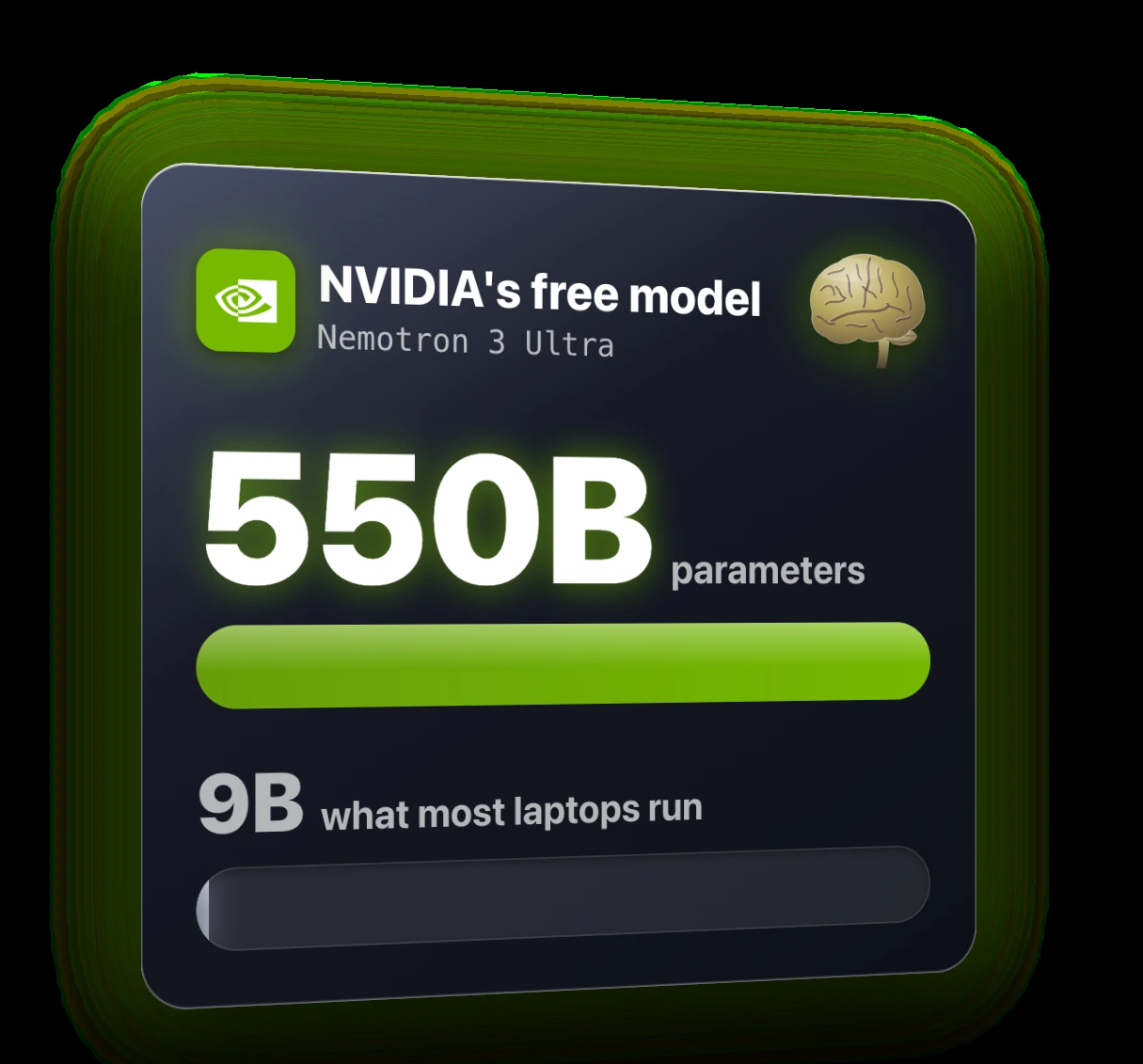
The usual way to get it for free is to keep the app and swap the brain for a model that runs on your own computer. The catch is that a normal laptop can only fit a small brain. Most laptops run a model of around 9 billion parameters. That model is slow, it gets things wrong, and on bigger tasks it sometimes never finishes.
My last video on this nearly hit a million views, and the top comment summed it up: a Bugatti with an old Toyota engine. Fair.
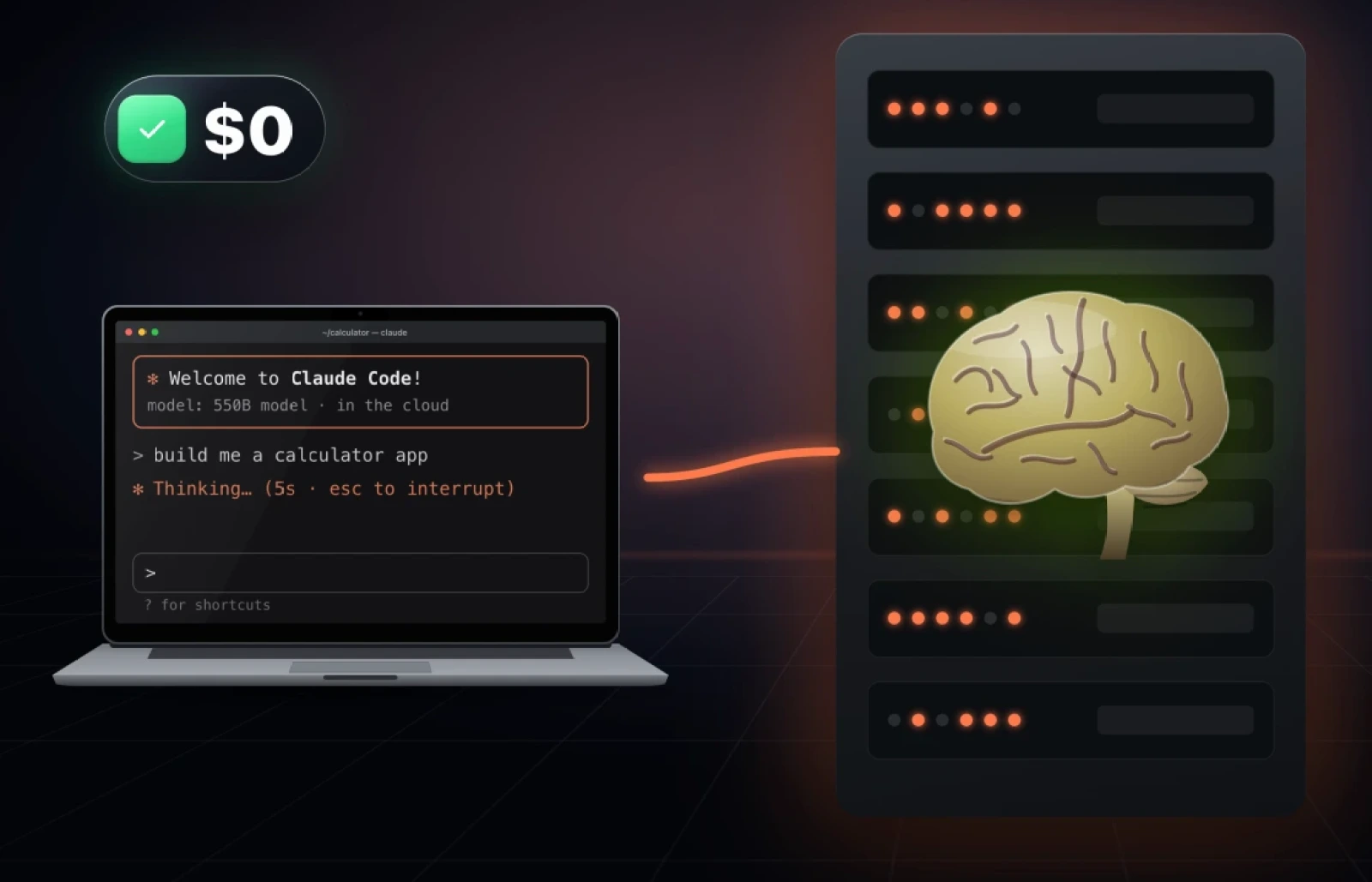
The fix is simple. Instead of running the brain on your laptop, run a huge one on someone else's very powerful computer. Several companies give that away for free right now.
Way 1: Free Claude Code with a free NVIDIA key
This is the easiest one by far. Free Claude Code is an app with over 65,000 stars on GitHub. It sits in your menu bar and connects Claude Code to free models from dozens of providers, so you never have to touch a settings file.
By default it runs on NVIDIA's free model, Nemotron 3 Ultra, which has 550 billion parameters. That is more than 60 times the size of the model most laptops can run.
Setup
- Go to build.nvidia.com and sign up for free. No card needed.
- Open API keys and generate a new key. A key is a password that lets the app use NVIDIA's models.
- Download the Free Claude Code app from its GitHub page. Follow the install steps in the README, or hand the link to Claude Code and ask it to install it for you.
- Open the app, go to Providers, search for NVIDIA, click Configure, add your key and hit Save.
- Start it from your terminal:
fcc-claude- Inside Claude Code, switch the model:
/modelPick Nemotron 3 Ultra (550B) from the list.
When I sent it "hi", the reply came back in about three seconds. Then I gave it a real job:
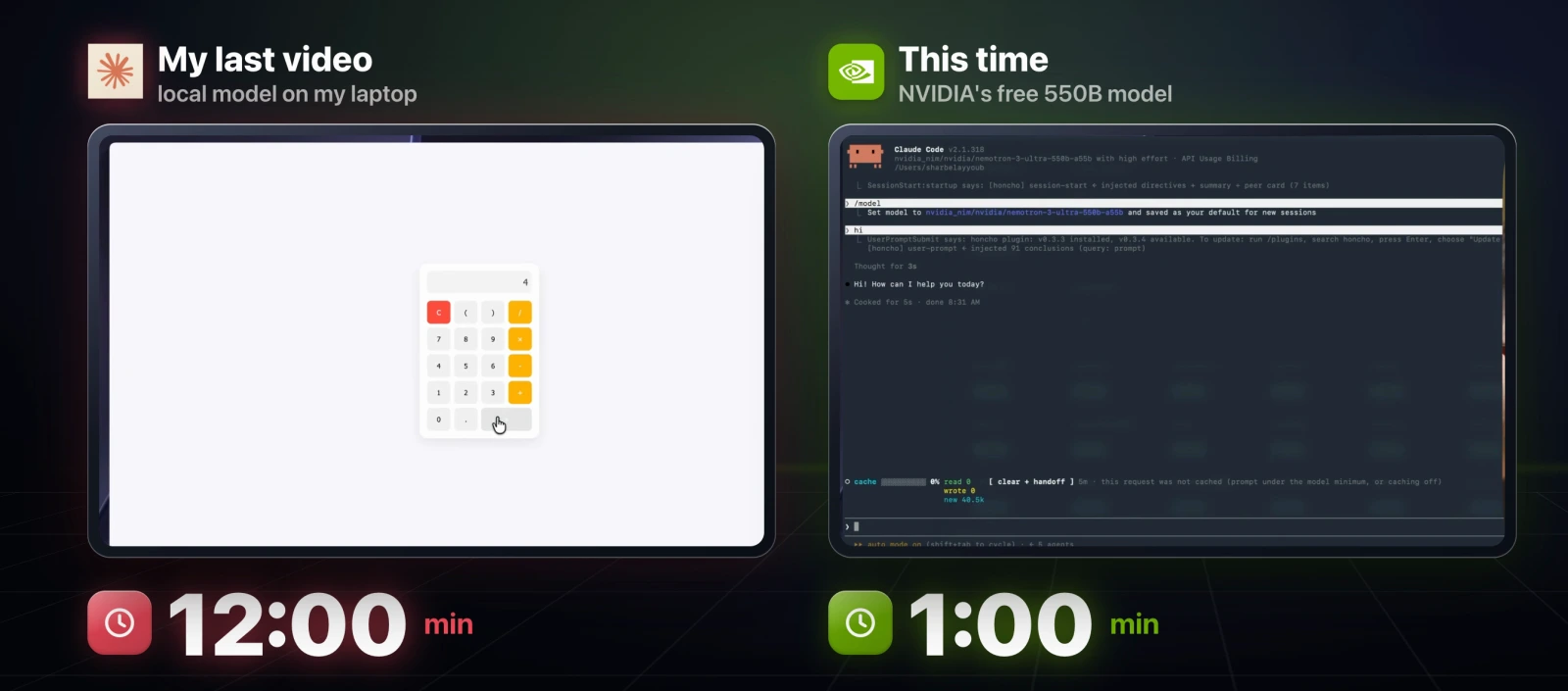
Build me a calculator app and run itIt finished in under a minute. When I tested the same prompt on a local model for my last video, it took 12 minutes.
The limits
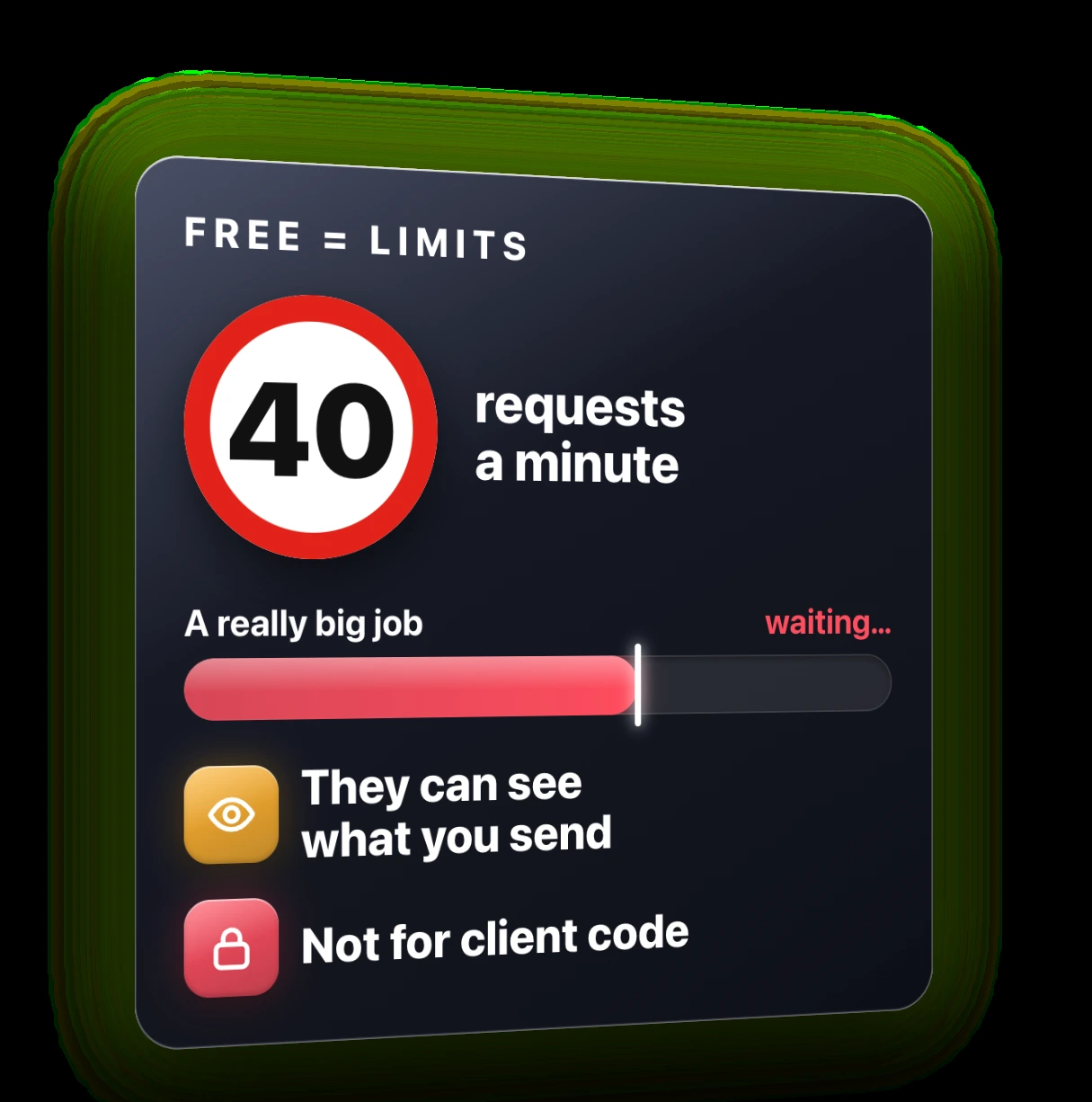
Free always means a limit or a catch. NVIDIA lets you send around 40 requests a minute. That is plenty for normal work, but you will feel it on really big jobs. And free providers can see what you send them, so do not use this on client code or anything that has to stay private.
Way 2: The OpenRouter $10 hack
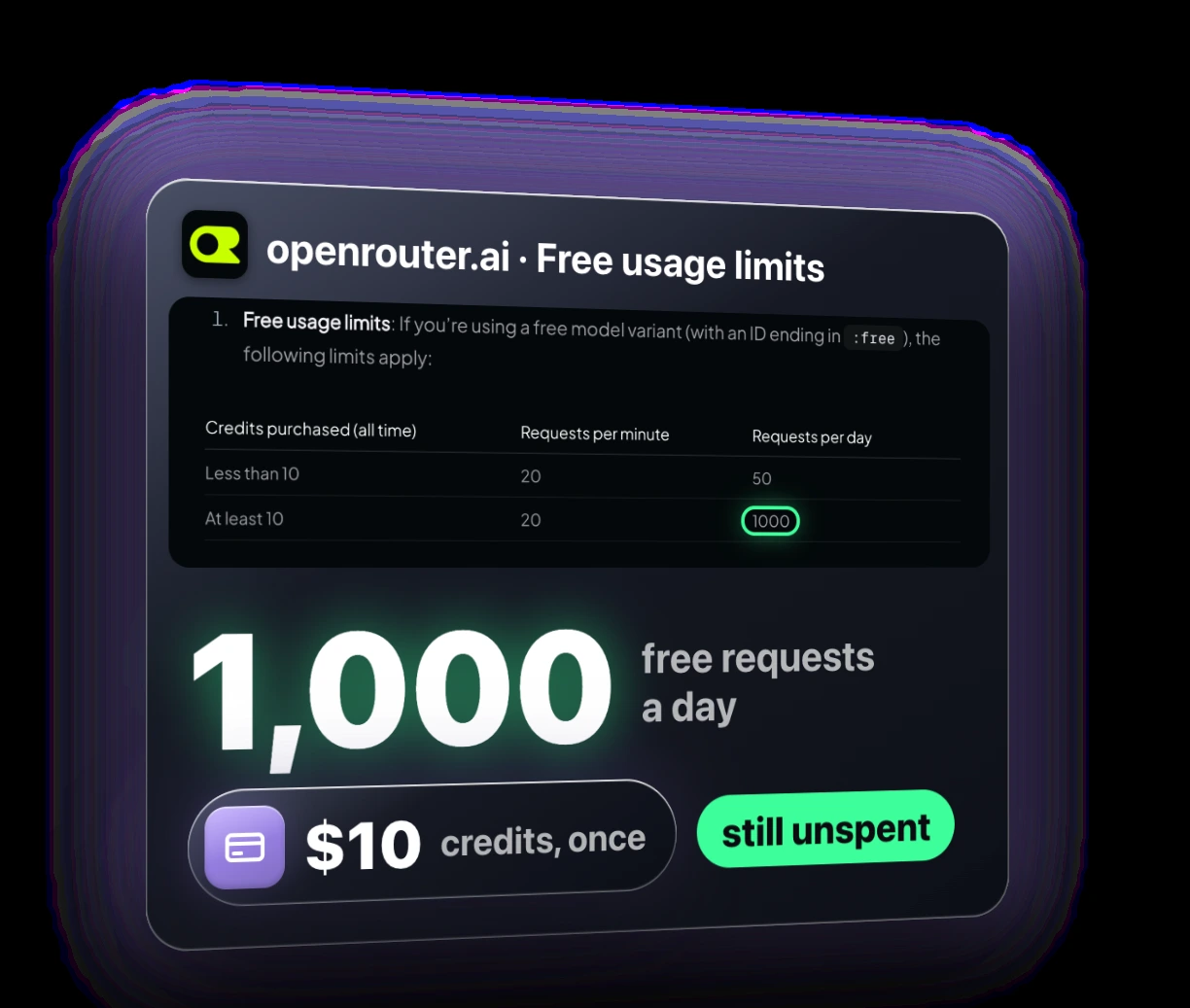
OpenRouter lets you use hundreds of AI models from one account, and a bunch of them are completely free. On a free account you get 50 requests a day on those free models.
Here is the part most people miss. If you buy $10 of credits one time, your limit on the free models jumps to 1,000 requests a day. You do not even have to spend the $10. It is in OpenRouter's own limits documentation.
Setup
- Go to openrouter.ai/settings/keys and create a new key. Give it a name, set an expiration (I would keep it to 30 days at most) and a credit limit you are comfortable with. Free models do not use credit.
- Copy the key.
- In Free Claude Code, find OpenRouter in Providers, click Configure, add the key and save.
- Run it and switch models:
fcc-claude/modelYou will now see a second set of models starting with OpenRouter. The same Nemotron 3 Ultra is free there too. My "hi" came back in five seconds.
One thing to know: OpenRouter says Claude Code is only guaranteed to work with Anthropic's own models. Most free ones work fine. If one keeps failing on a task, switch to another free model in the list.
Way 3: OmniRoute, every free tier stacked into one
Every free tier runs out eventually. OmniRoute fixes that. It has over 83,000 stars, and it puts more than 150 free providers behind one single endpoint. You connect the free accounts you have, and when one runs out it moves on to the next. You just keep working.
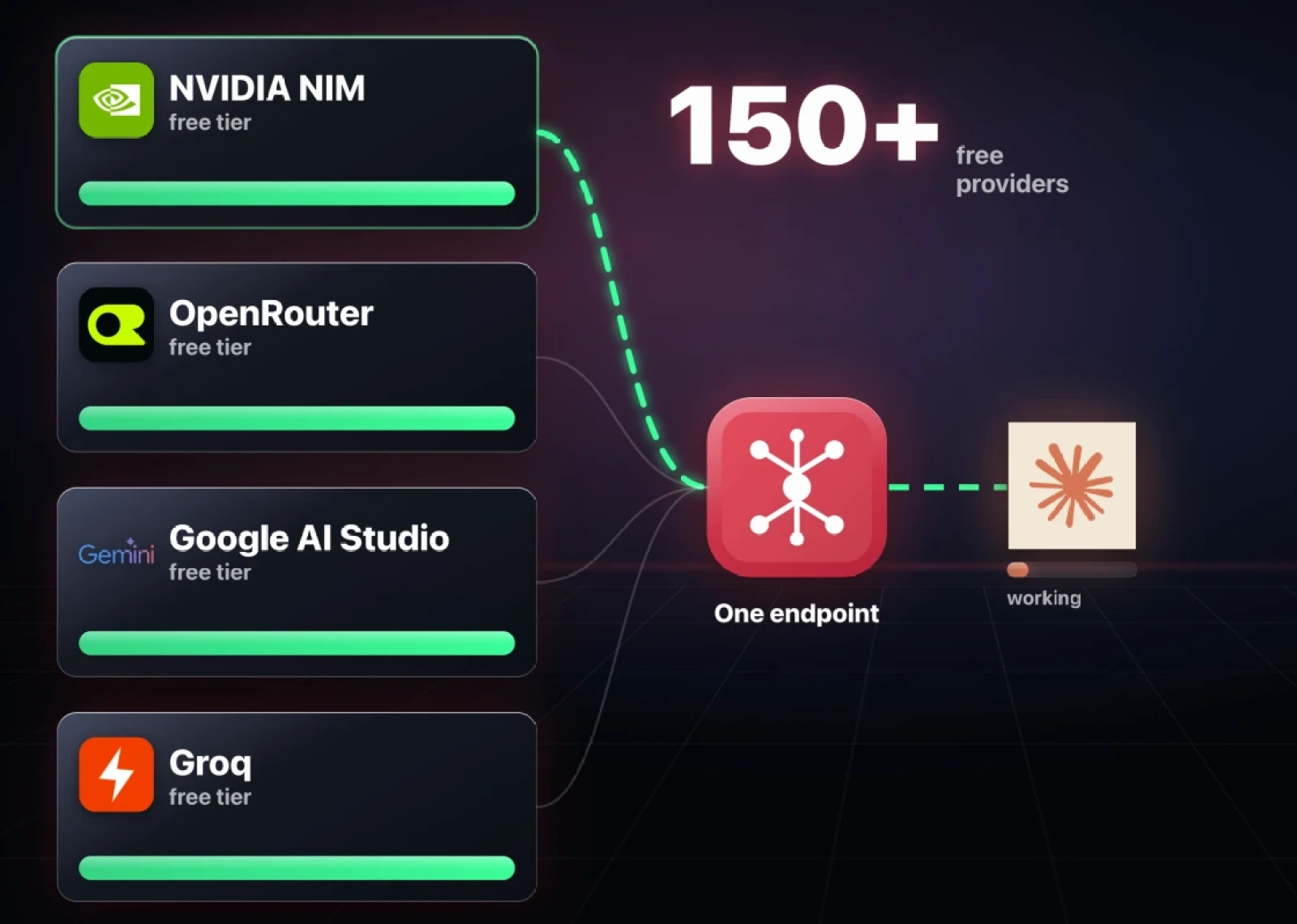
The project estimates all those free tiers add up to over 1.6 billion free tokens a month. That is their estimate, not a guarantee, but it is far more than most people will ever use.
Setup
- Install OmniRoute from its GitHub page.
- Open Providers and add a free key for each provider you want. Good places to start:
- Google AI Studio (Gemini)
- Groq
- Mistral
- Your NVIDIA and OpenRouter keys from ways 1 and 2
- In OmniRoute, open API Keys and create a new key. Copy it.
- Start Claude Code through OmniRoute with this line. Replace
sk-your-keywith the key you just copied:
ANTHROPIC_BASE_URL=http://localhost:20128 ANTHROPIC_AUTH_TOKEN=sk-your-key ANTHROPIC_MODEL=auto claudeClaude Code opens on OmniRoute, and every request goes through your stack of free providers.
Two honest caveats. The 1.6 billion number moves, because companies start and end free tiers all the time. And this one takes the most setup of the three. If you want something working tonight, start with way 1.
The upgrade: Magpie and DeepSeek for a few cents
If you want an even better brain and you are fine paying a few cents, use Magpie. It is a free app that runs Claude Code on a different paid model, like DeepSeek, which is a lot smarter than the free models and a lot cheaper than Anthropic.
Some rough math, before caching. Say a busy week in Claude Code uses 10 million tokens of input (what you send) and 1 million tokens of output (what it writes back).
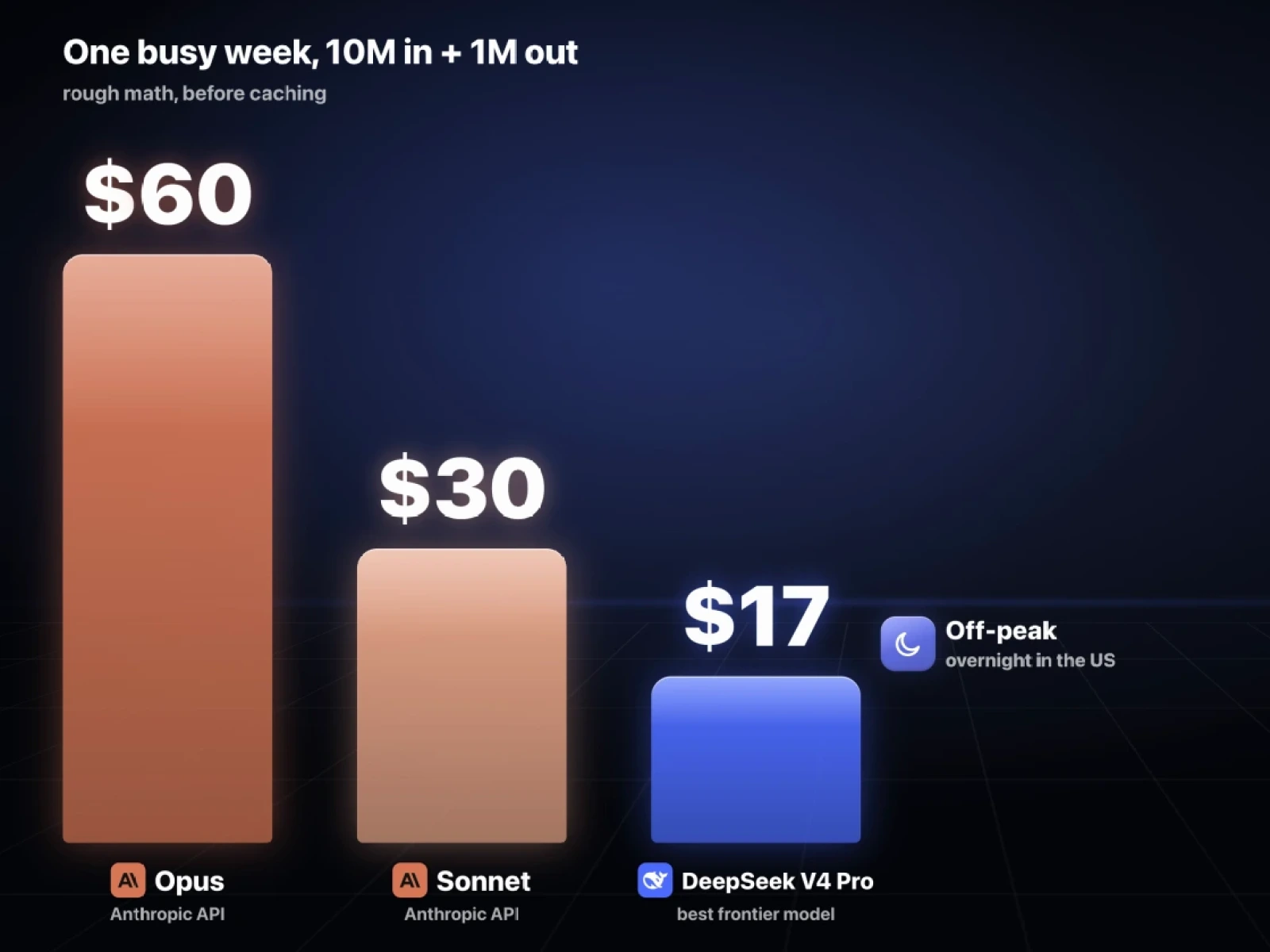
| Model | Cost for that week |
|---|---|
| Claude Opus on Anthropic's API | about $60 |
| Claude Sonnet on Anthropic's API | about $30 |
| DeepSeek's best model | about $17 |
| DeepSeek off-peak (mostly overnight in the US) | about $9 |
On a Claude plan you pay $20, $100 or $200 a month whether you use the tool or not. With DeepSeek you only pay for what you actually use. Current prices are on DeepSeek's pricing page.
What about Kimi? It gets talked about a lot, but its newest model costs almost as much as Opus right now. If saving money is the goal, DeepSeek is the one I would pick.
Setup
- Go to platform.deepseek.com, sign up and top up your balance. I put in $10.
- Open API keys, create a new key, name it and copy it.
- Download and install Magpie from usemagpie.ai (source on GitHub).
- In Magpie, go to Providers, add a provider, search for DeepSeek and paste your key. Make sure it is enabled.
- Go to the Agents page and choose DeepSeek for Claude Code. Magpie also works with Codex, the Claude desktop app, VS Code, OpenCode and Hermes.
- Start Claude Code as normal:
claudeThe header now shows Claude Code running through the DeepSeek API. My "hi" came back in three seconds, and the same calculator prompt built a working app.
One more trick: Magpie lets you set a backup. When your DeepSeek balance runs out, it switches to one of the free options from earlier, so you never get stuck mid-task.
Which one should you set up?
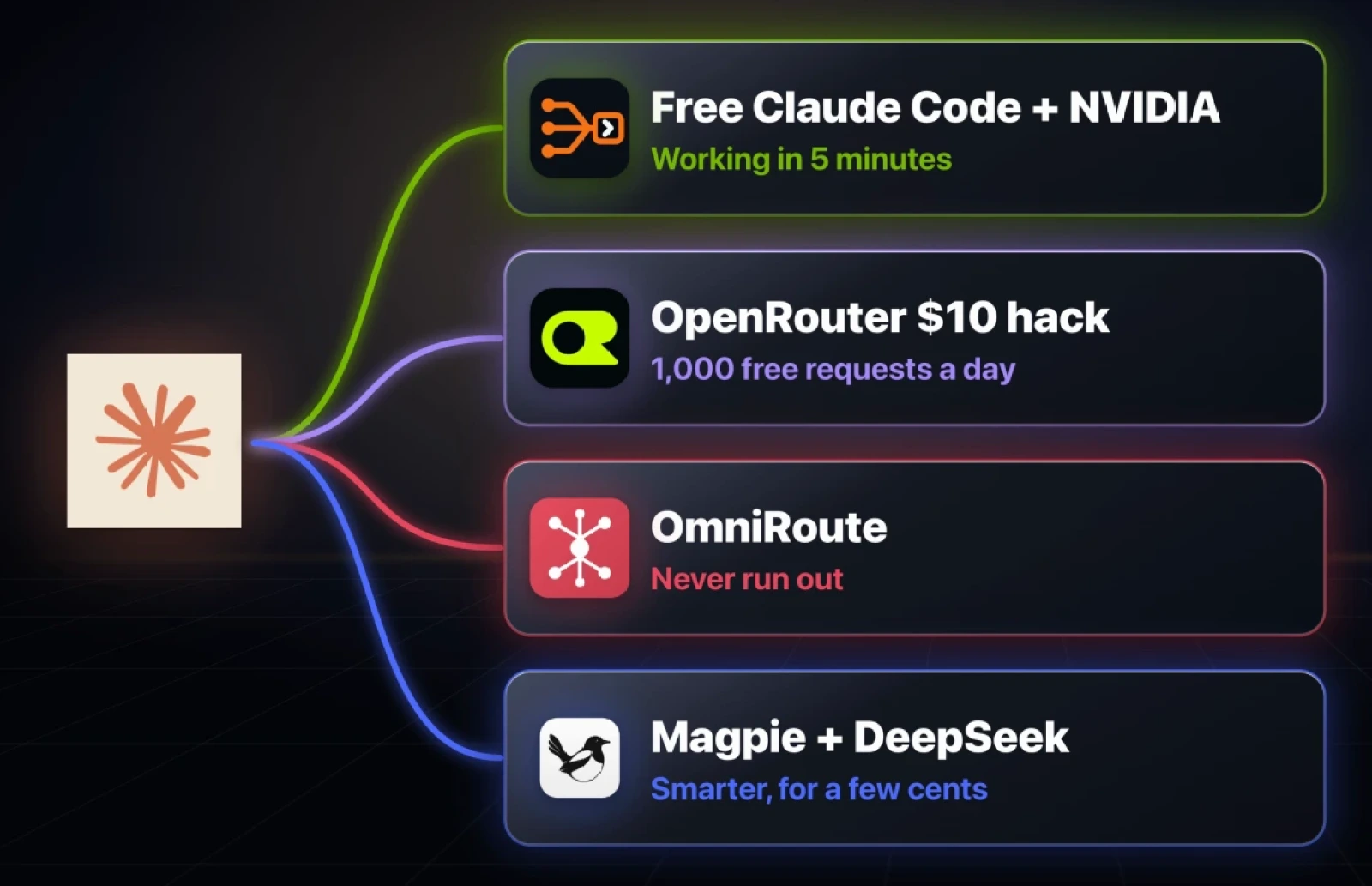
- Working in five minutes: Free Claude Code with a free NVIDIA key.
- A thousand free requests a day: add the OpenRouter $10 hack.
- Never run out: OmniRoute.
- A much smarter brain for a few cents: Magpie with DeepSeek.
My suggestion is to start with way 1 tonight, then add OpenRouter once you hit the limits. Every link, key page and setting from the video is on this page, free.
Everything from the video
The two things to copy:
fcc-claudeANTHROPIC_BASE_URL=http://localhost:20128 ANTHROPIC_AUTH_TOKEN=sk-your-key ANTHROPIC_MODEL=auto claudeThe key pages, in the order you need them:
- NVIDIA API keys: build.nvidia.com/settings/api-keys
- OpenRouter keys: openrouter.ai/settings/keys
- Google AI Studio: aistudio.google.com
- Groq keys: console.groq.com/keys
- Mistral: console.mistral.ai
- DeepSeek platform: platform.deepseek.com
Further reading
Questions
- Can you use Claude Code for free?
- Yes. Keep the Claude Code app and point it at a free hosted model instead of Anthropic's. The Free Claude Code app with a free NVIDIA key is the quickest way and needs no card.
- What is the 550B model in Free Claude Code?
- It is NVIDIA's free Nemotron 3 Ultra, with 550 billion parameters. Most laptops can only run a model of around 9 billion parameters, so it is more than 60 times bigger and runs on NVIDIA's servers, not yours.
- How do I get 1,000 free requests a day on OpenRouter?
- Buy $10 of credits once. OpenRouter raises the daily limit on free models from 50 to 1,000 requests, and you do not have to spend the credits.
- Is free Claude Code safe for private code?
- No. Free providers can see what you send them, so do not use these setups on client code or anything that must stay private.
- What is the cheapest paid way to run Claude Code?
- Magpie with DeepSeek. On rough math before caching, a busy week of 10 million input and 1 million output tokens costs about $17 on DeepSeek's best model and about $9 off-peak, against about $60 on Opus.

You made it to the end
That is the whole build. Want the next one?
Read next

How to Run Claude Code for Free With a Local Model
Keep the real Claude Code and point it at a model on your own machine. Three free routes, every command, and the trade-off each one asks for.

DeepSeek Harness Setup: A Free Coding Agent You Actually Own
The harness was always a separate purchase from the model. One of them just went to zero.

How Anthropic Engineers Use Claude Code: 7 Habits to Copy
Anthropic went from 2,500 to 30,000 merged changes a day. These are the seven habits behind it, with the prompts to set each one up.